Attention: Don't Create Dot Marker Pages manually
Finally, The Ultimate Dot Marker Design Tool Has Arrived To Create High Quality Pages Entirely Powered By AI
Ready to Publish
Save Time And Effort
No Skills Needed
Easy To Use

- Create dot-to-dot pages in a WYSIWYG (What You See Is What You Get) editor with all the tools built in
- Eliminate the usual barriers to entering the dot-to-dot niche and finally start creating with confidence
- Upload as many outlines as you want, with no credits or monthly restrictions
- Leverage built-in AI to generate clean, high-quality outline images, ready to use inside the app
- Purpose-built for creating full, publish-ready books, export in 300 DPI PDF, JPG, PNG and KDP-ready sizes for Amazon and Etsy
- Work from anywhere with a cloud-based app, no installations, no heavy software, just log in and create
- A clean, beginner-friendly interface that’s simple, intuitive, and easy to use, no design skills or tech experience required
- Full commercial and PLR rights on every page-publish and sell your outputs on any platform
- 30-day money-back guarantee for your peace of mind
I Am Glad My Previous Tools Have Helped Amazon Publishers
I started publishing on Amazon KDP in 2020, and since then the market has changed quite a lot. Tasks that used to be done manually can now be replaced thanks to the development and support of technology. As both a KDP publisher and a developer, I wanted to find a better way to replace these manual tasks. That is why I started building tools based on AI to help save time and effort.
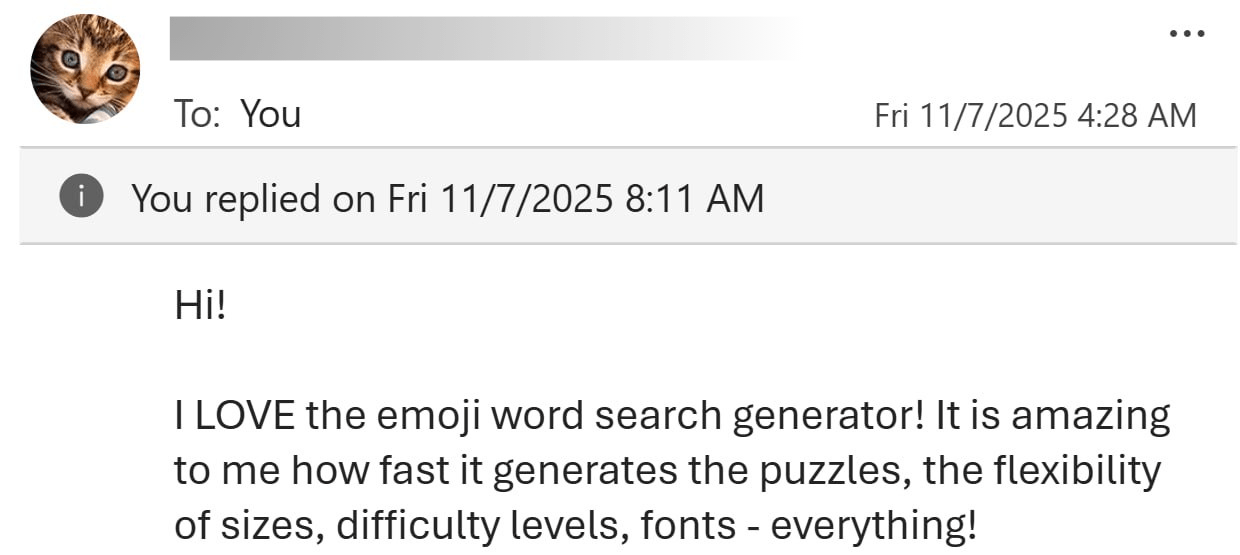
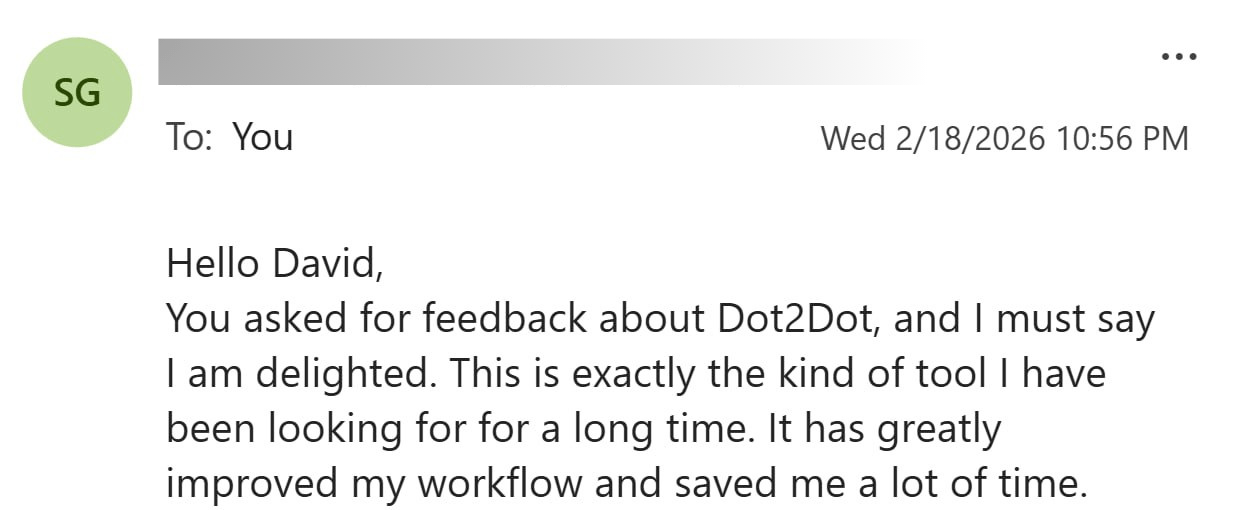
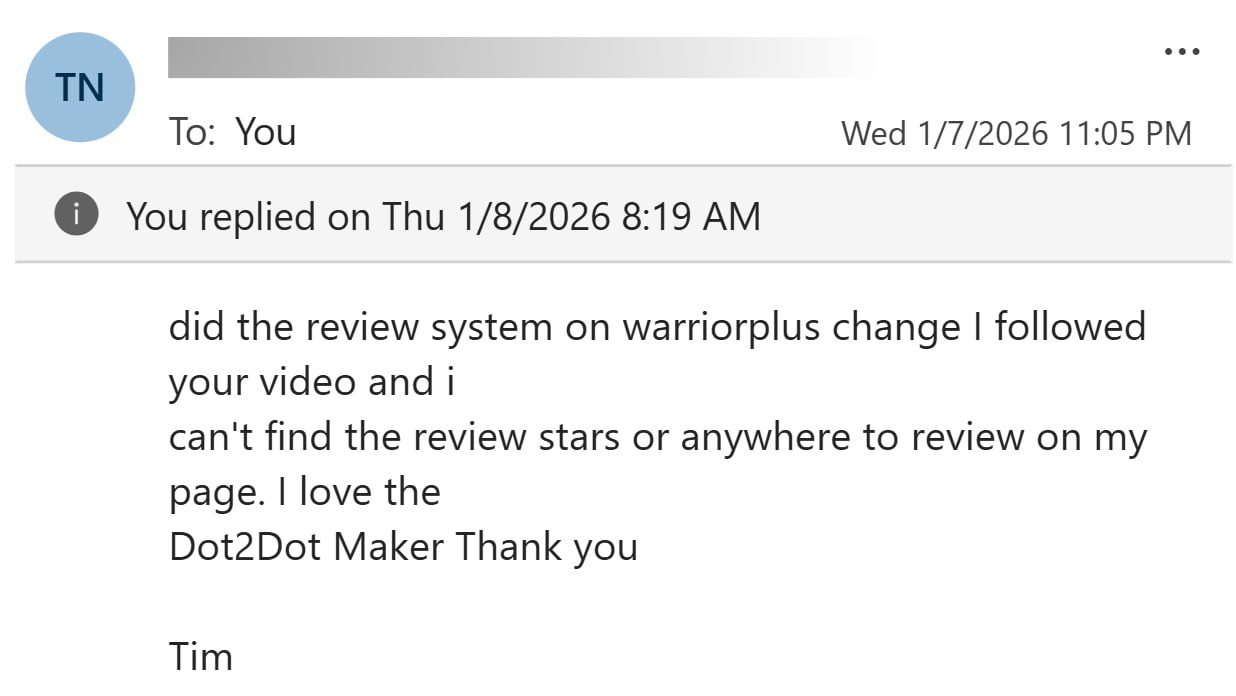
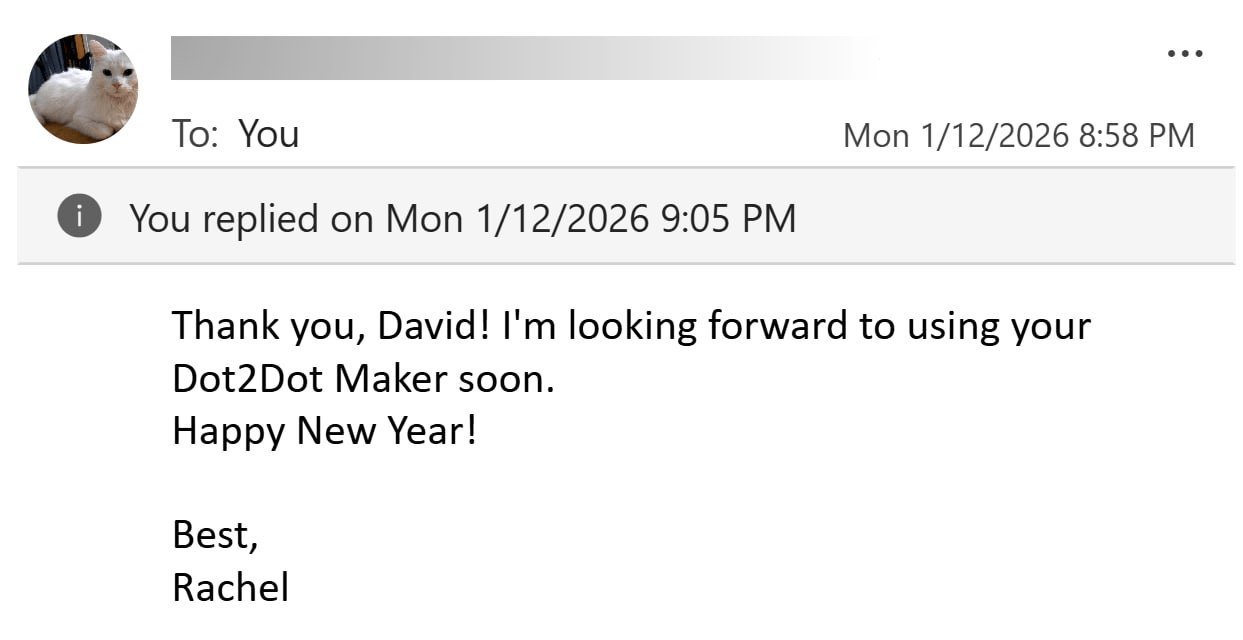
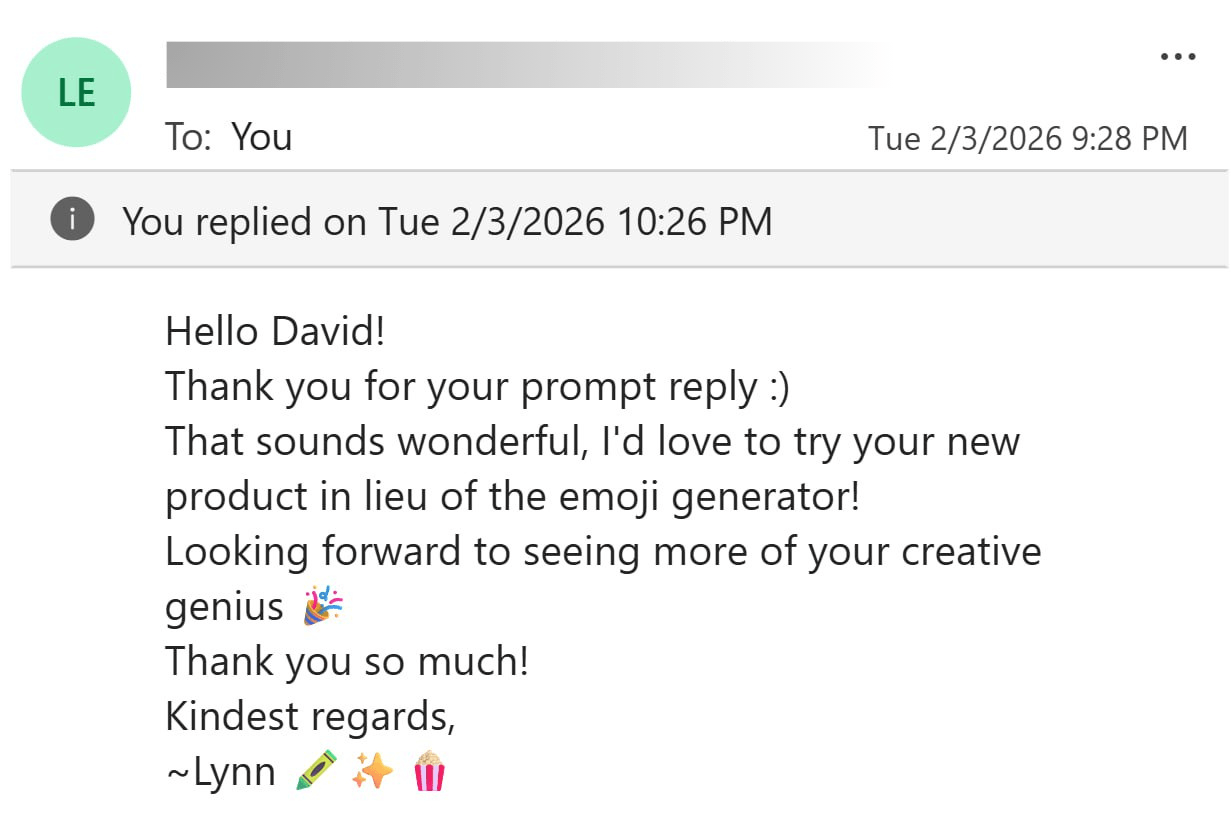
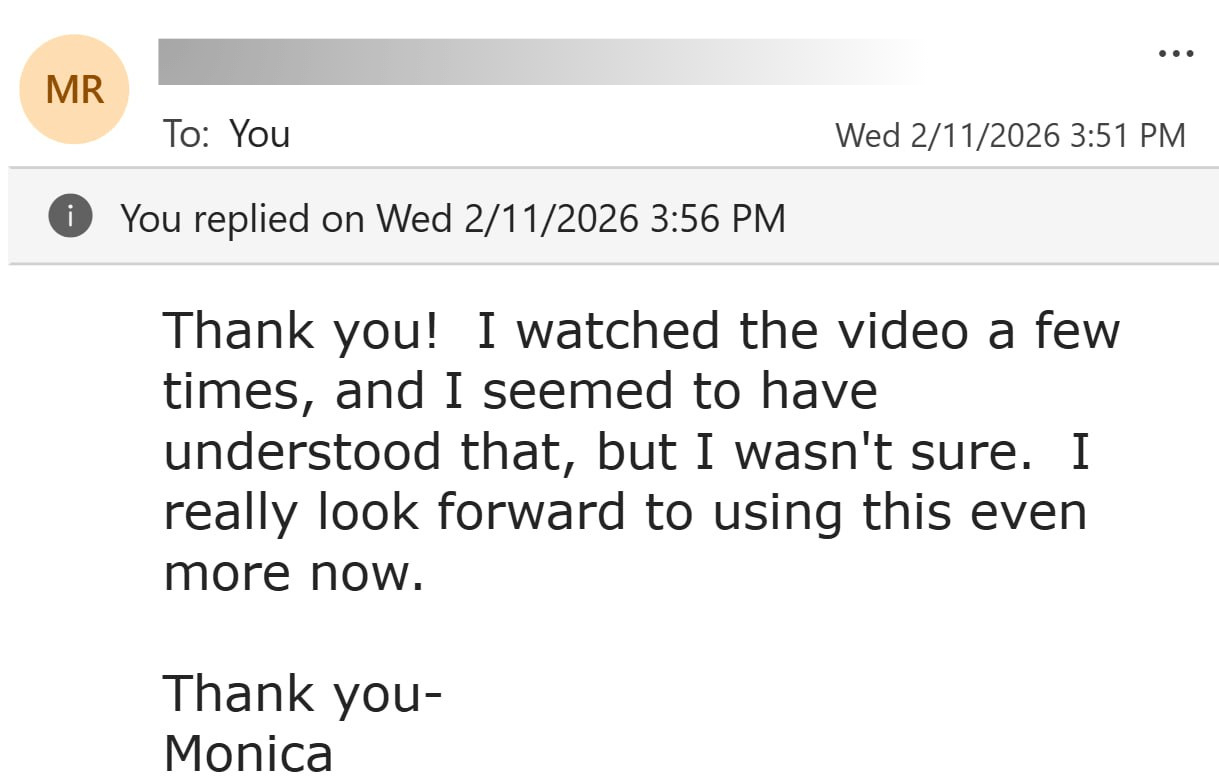
Over time, I have received a lot of positive feedback from Amazon publishers. Knowing that these tools have been helpful in your publishing work has been a strong motivation for me to continue improving this product.
If You Are New And Looking For A Way To Start Making Money Online
Amazon KDP Is One of the Most Accessible Ways to Get Started Today
Low Startup Cost
You do not need to invest in inventory or rent a physical space
Huge Market
You can reach millions of existing customers on Amazon
Passive Income
A book can continue to sell for years after being published
No Need To Be An Author
You can create low content books such as puzzle books and coloring books
Easy To Get Started
Suitable even if you do not have advanced design skills
Scalable
You can publish dozens or even hundreds of books to increase your income
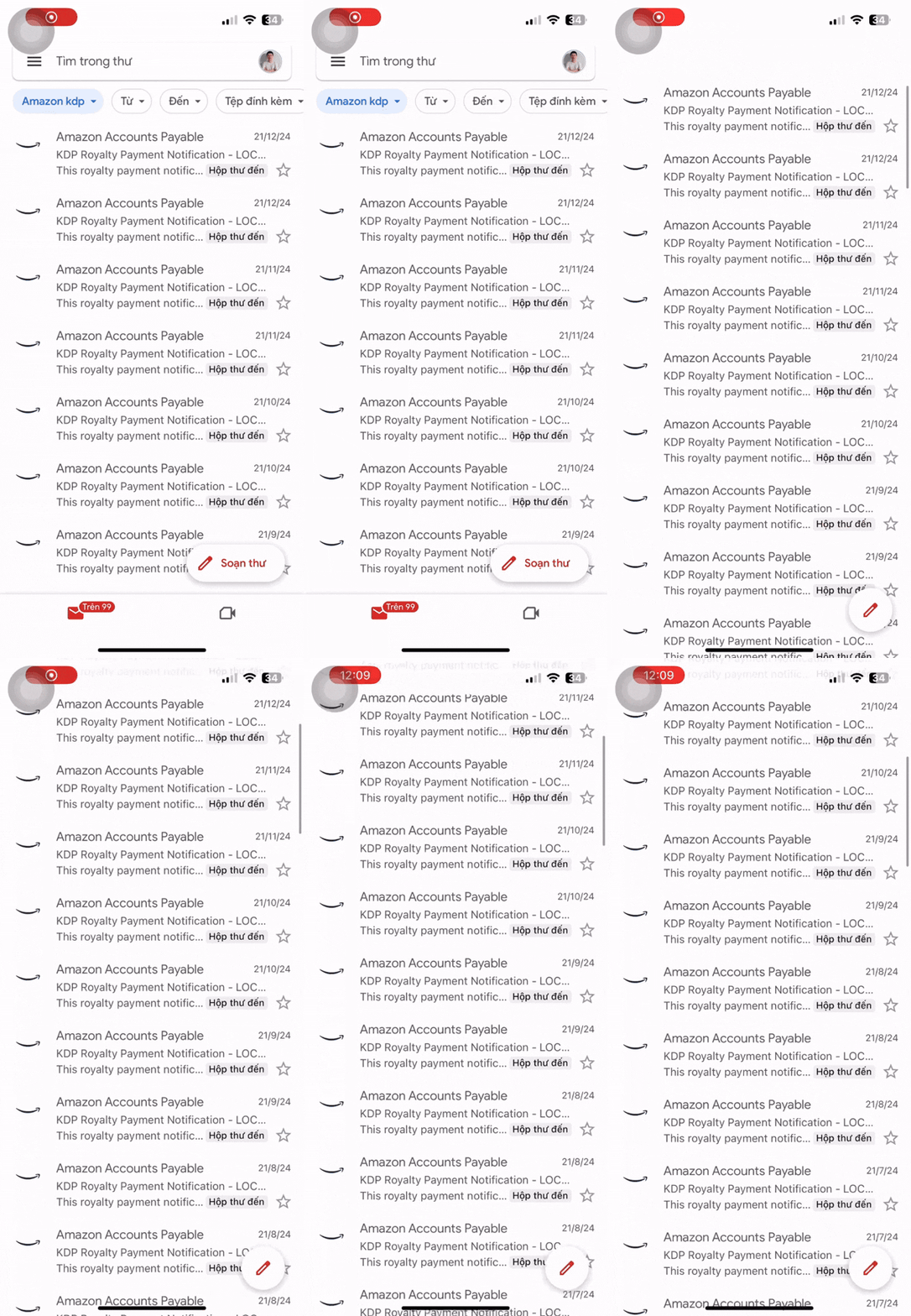
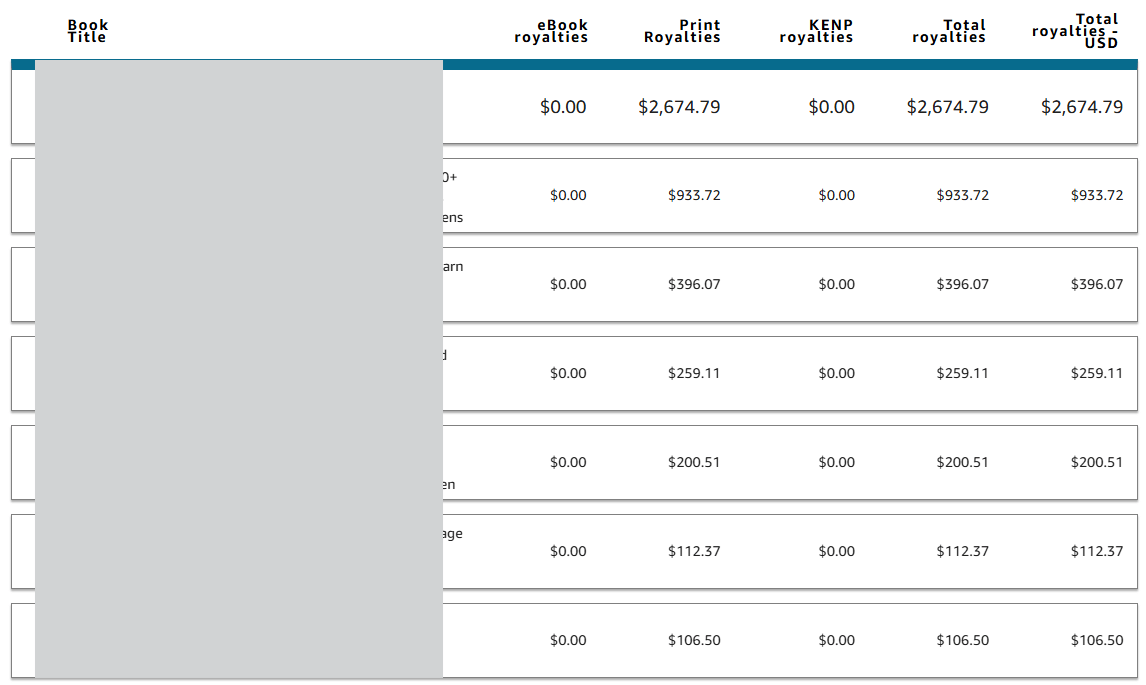
Disclaimer: This is my personal result. This tool can help you create books more easily, but I do not guarantee that you will achieve the same level of income. Results will depend on many factors outside of my control, such as your effort, your marketing strategy, and the actual demand of the market at that time.
I am not the only one who sees this opportunity. There are many publishers out there who are building a steady stream of income every day with Amazon KDP.

If You’ve Been Publishing On Amazon KDP, You Know How Important It Is To Find A Niche With Strong Demand
Dot Marker Books Are a Niche with Strong Sales and Consistently High Ratings on Amazon
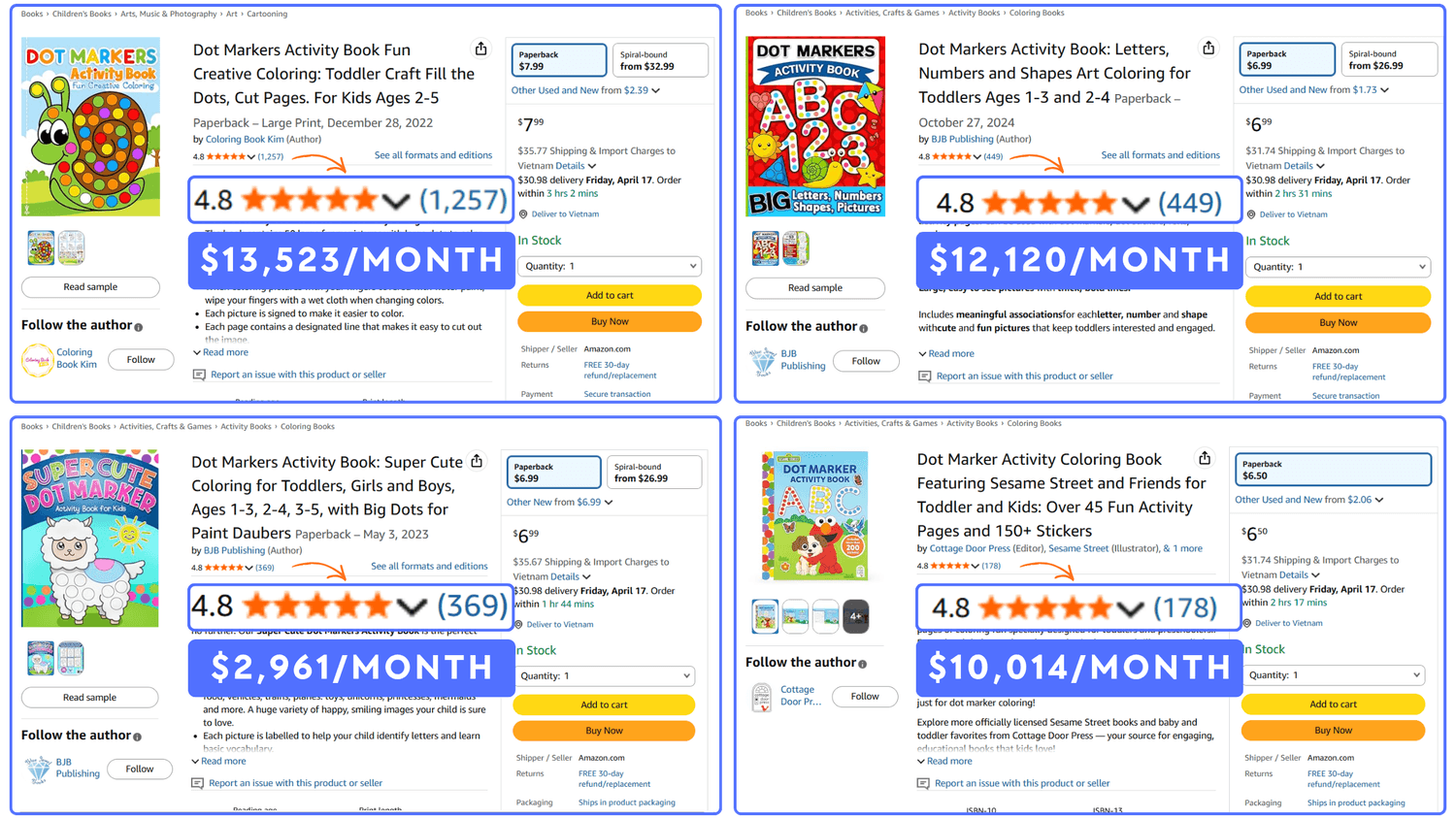
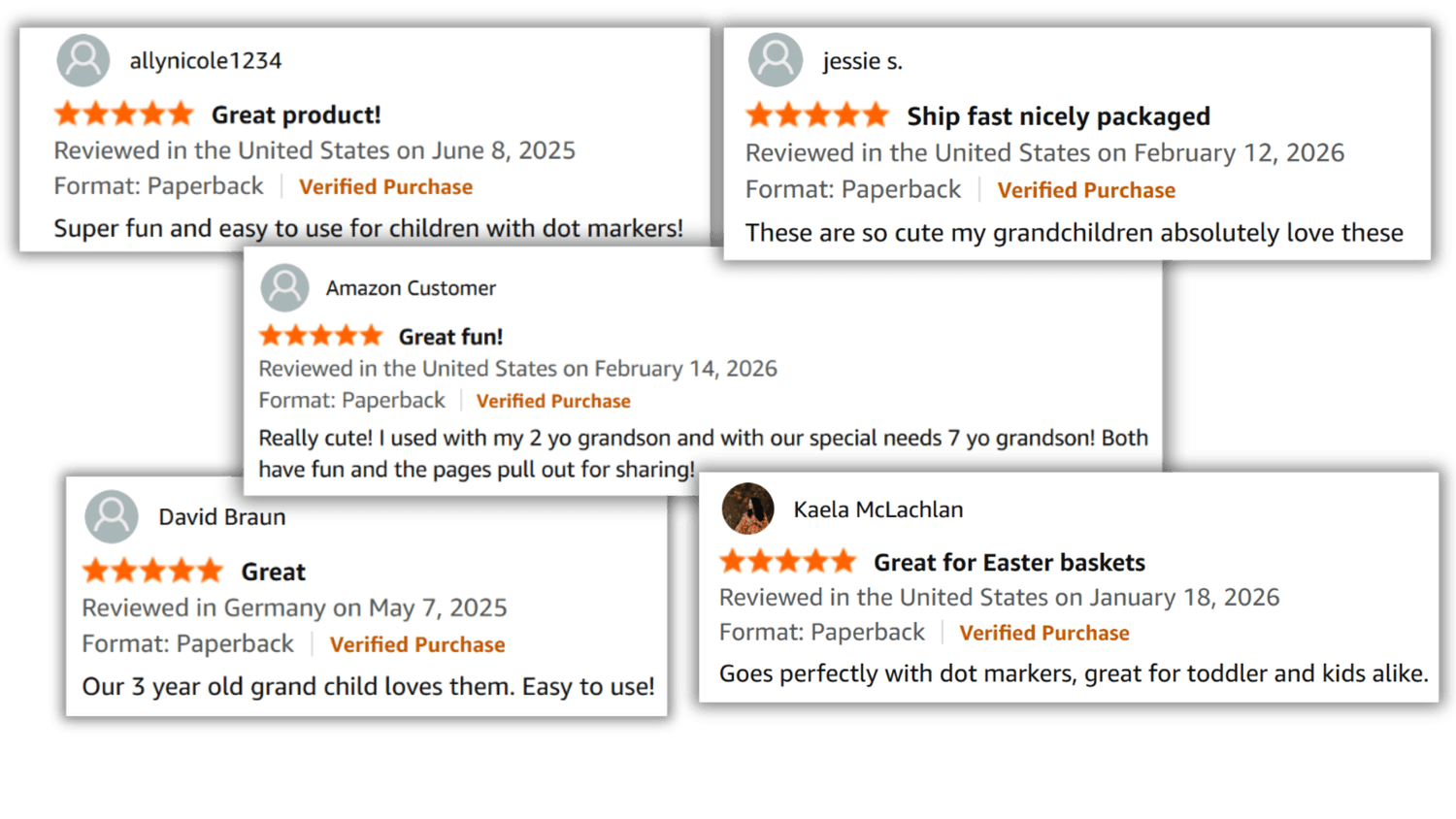
These Dot Marker Pages Keep Kids Engaged and Earn Positive Feedback from Parents
Dot marker books are simple and engaging for kids, and real sales and reviews show they keep coming back to them again and again
To Create A Dot Marker Book...
This Is The Manual Way You Or I Have Probably Done Before
Placing each small dot carefully onto a drawing takes a lot of time and effort, right?
To Create A Quality Dot Marker Book, We Have To Deal With Quite A Few Challenges
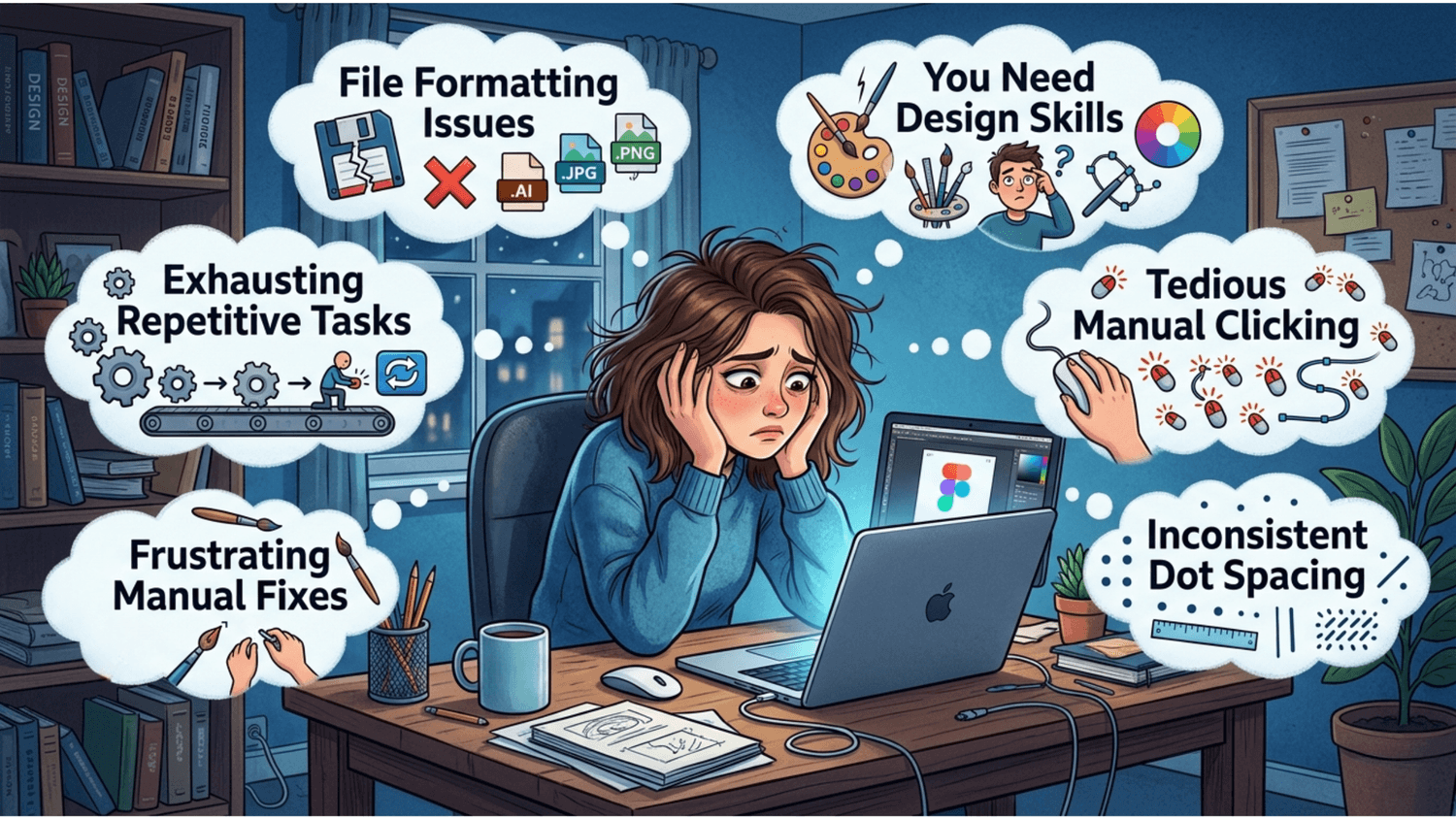
But We Don’t Have to Keep Doing Things the Hard Way...
I Built a Tool to Create Dot Marker Books in Just 3 Simple Steps
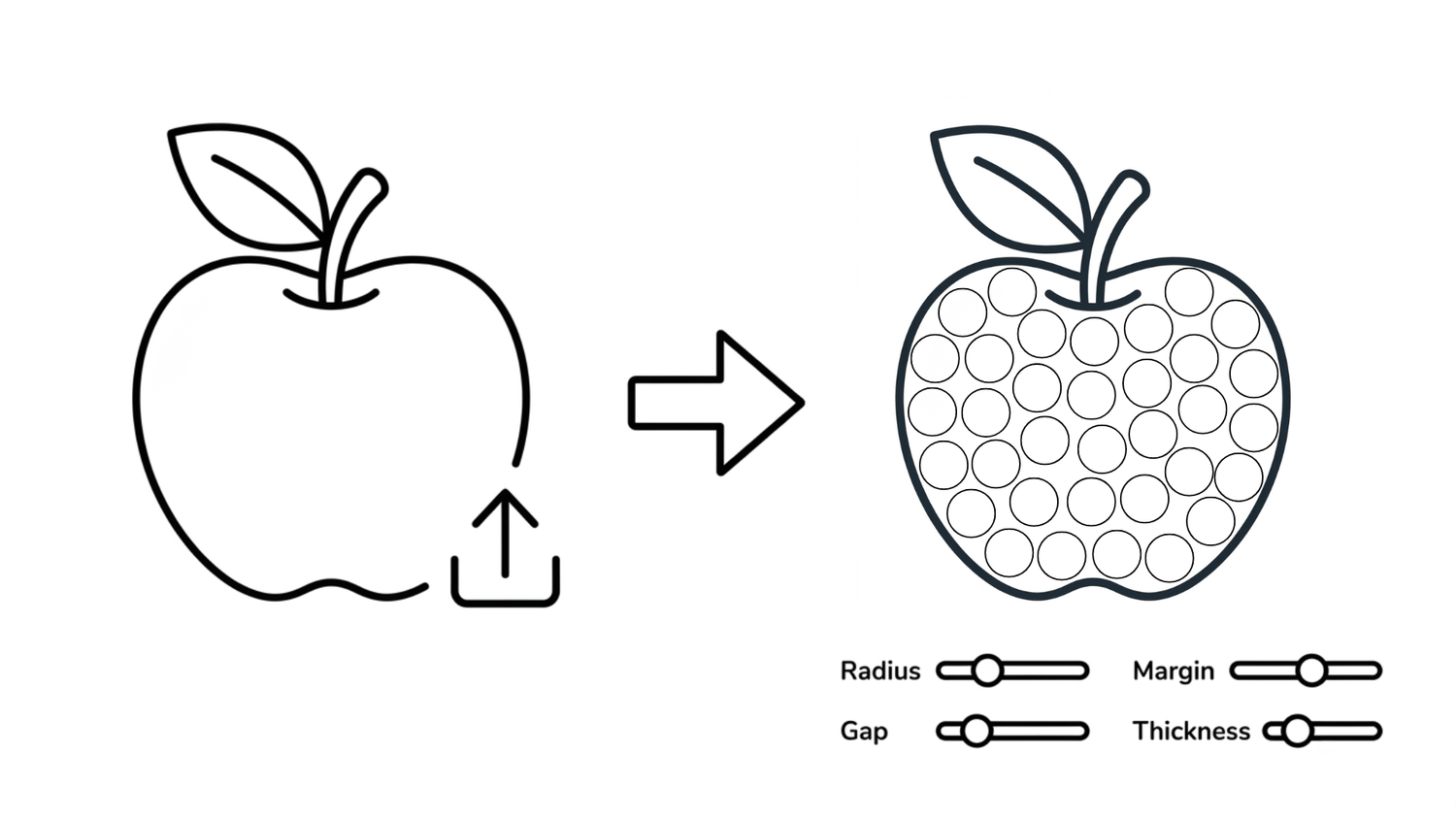
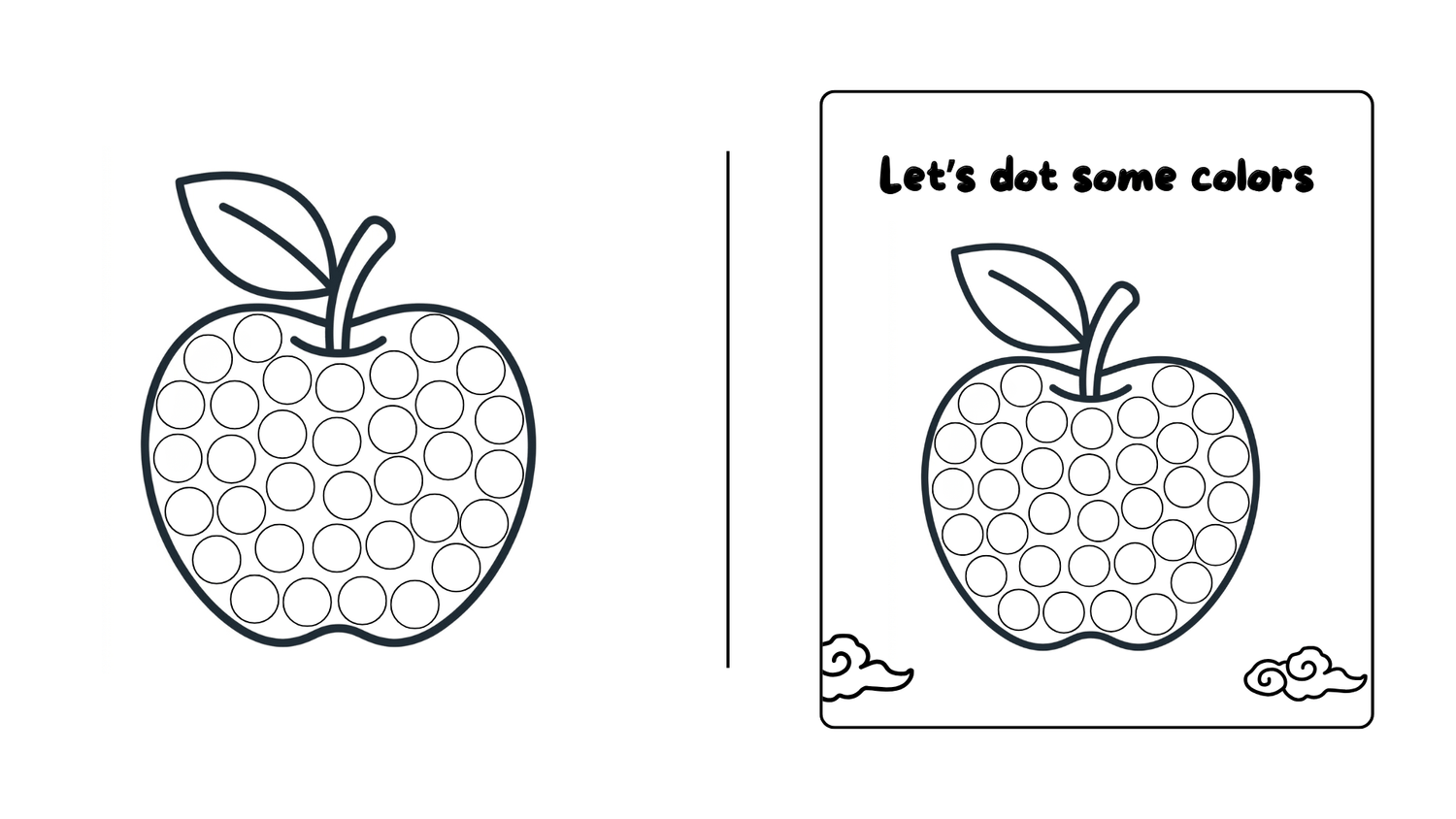
Step 1: Create Your Dot Marker Image
You can use the built-in AI tool or upload your own outline image. The system will automatically convert it into a complete dot marker image. At this stage, you have full control over settings like radius, gap, margin, and thickness to get the result you want.
Step 2: Customize Your Page
Once you have the base image, you can freely customize it by adding text, shapes, or other decorative elements. This step helps each page feel more unique and personal.
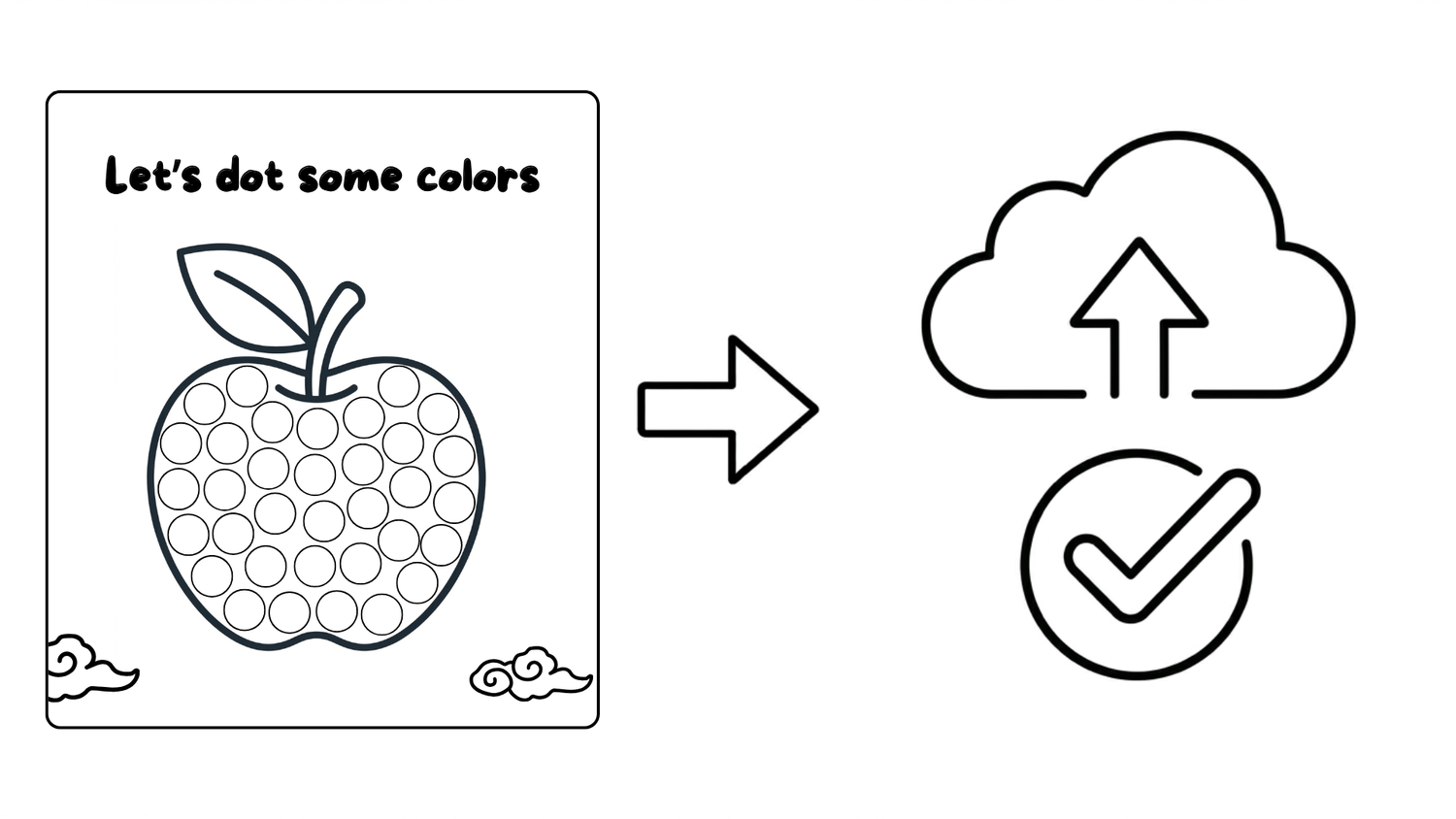
Step 3: Ready to Publish
With the WYSIWYG editor (what you see is what you get), everything you design will appear exactly as it will when printed. The exported file is optimized to match Amazon KDP’s required format, so you can upload it without worrying about formatting issues.
I Call It Dotty Royalties
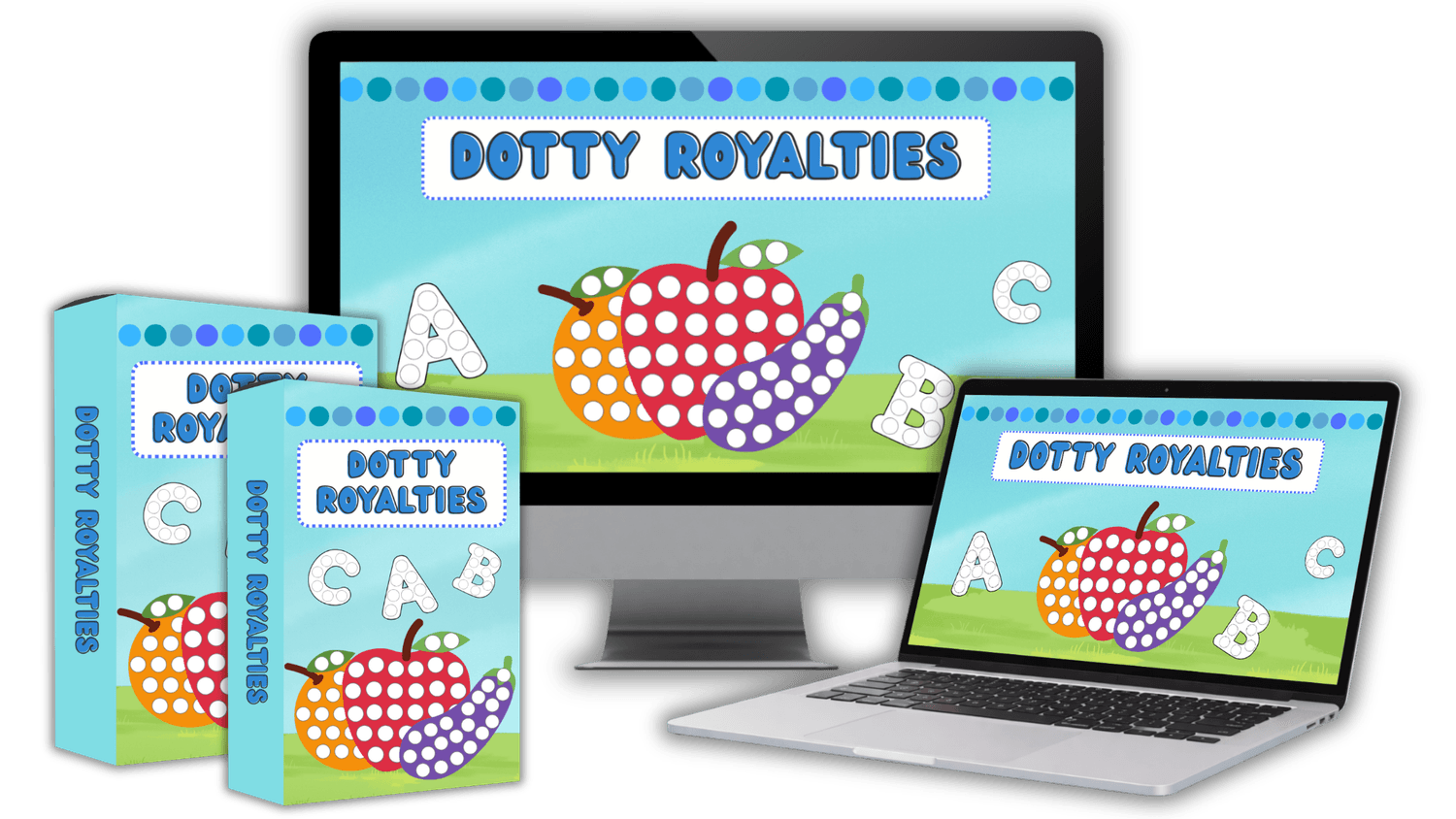
Dotty Royalties is a simple tool that helps you create dot marker pages without going through the usual manual process.
It is a cloud based app, so you do not need to install anything.
True WYSIWYG Editor, a visual editor that lets you fully control the layout of your book pages as you work.
It also uses AI to handle the more time consuming parts, especially when it comes to placing dots and preparing the image.
When your page is ready, the output is already formatted to match Amazon standards, so you can upload it without worrying about technical issues
What People Are Saying About This Tool
100% These Are Real Experiences From People Who Have Used This Tool
This Tool Is Not Just for Creating Individual Pages, It Helps You Put Together a Complete Book
It Does Not Only Create The Interior, It Can Also Help You Design The Cover with AI
You just need to enter the book title and author, then click generate. The AI System Will Automatically Calculate and Create a Cover Design Based on Amazon KDP’s Standard Dimensions.
You Will Also Get Some Exclusive Bonuses with Dotty Royalties
Bonus 1
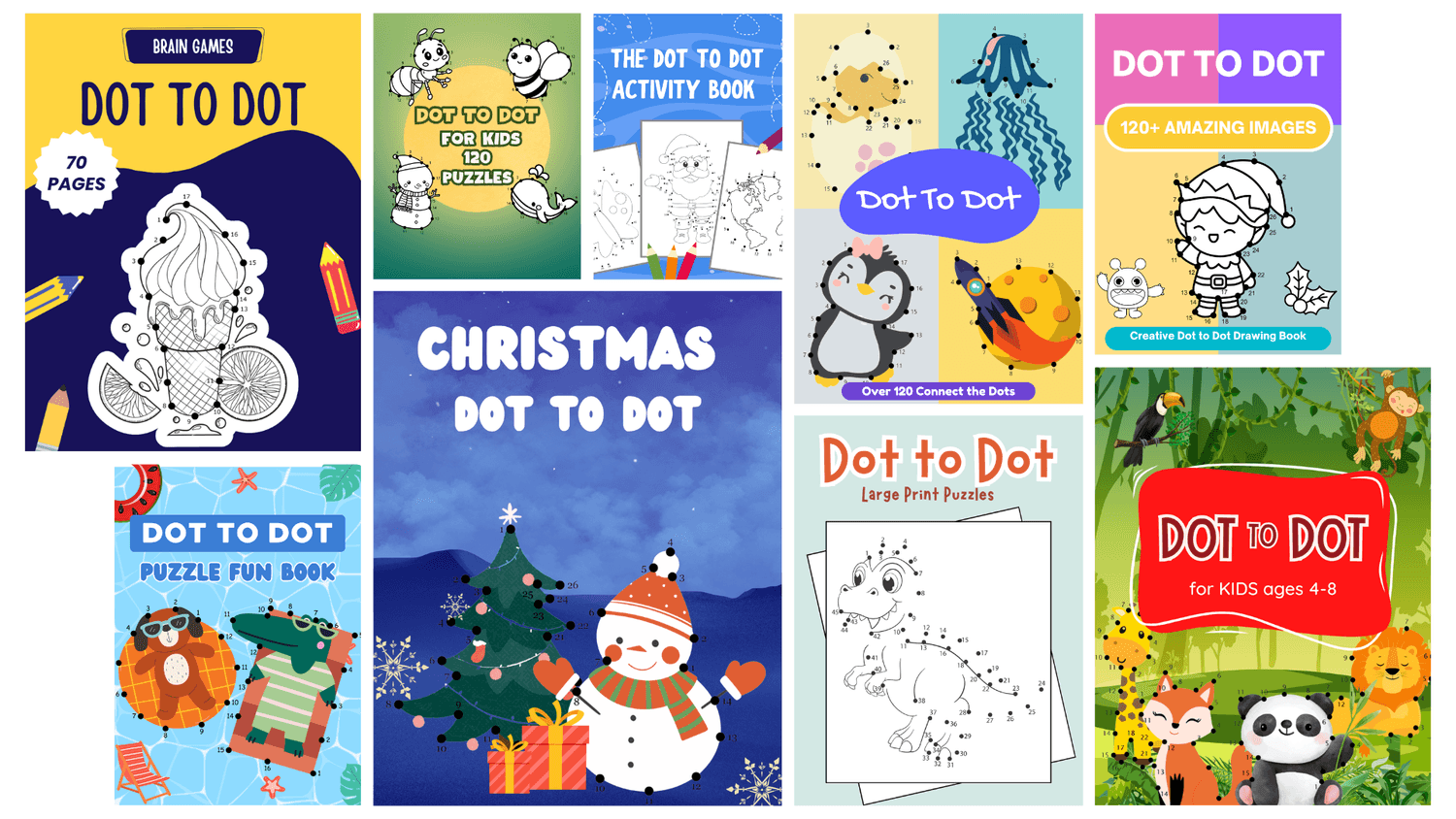
20 Editable Dot-to-Dot Book Covers
Get a collection of 20 professionally designed book covers to help you publish faster. Each cover is fully editable in Canva, so you can easily change the title, colors, or layout to match your own brand and style.
Bonus 2
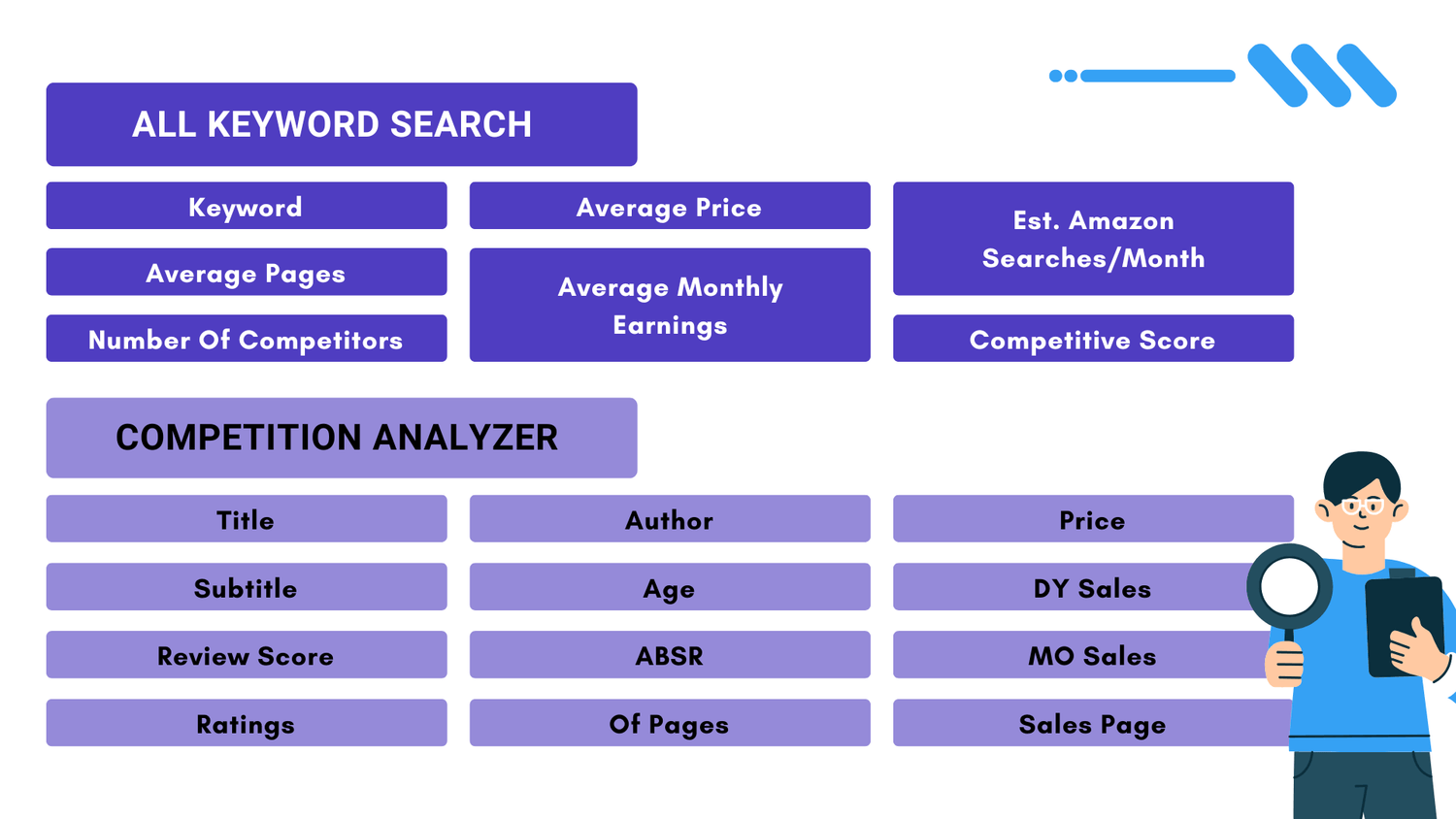
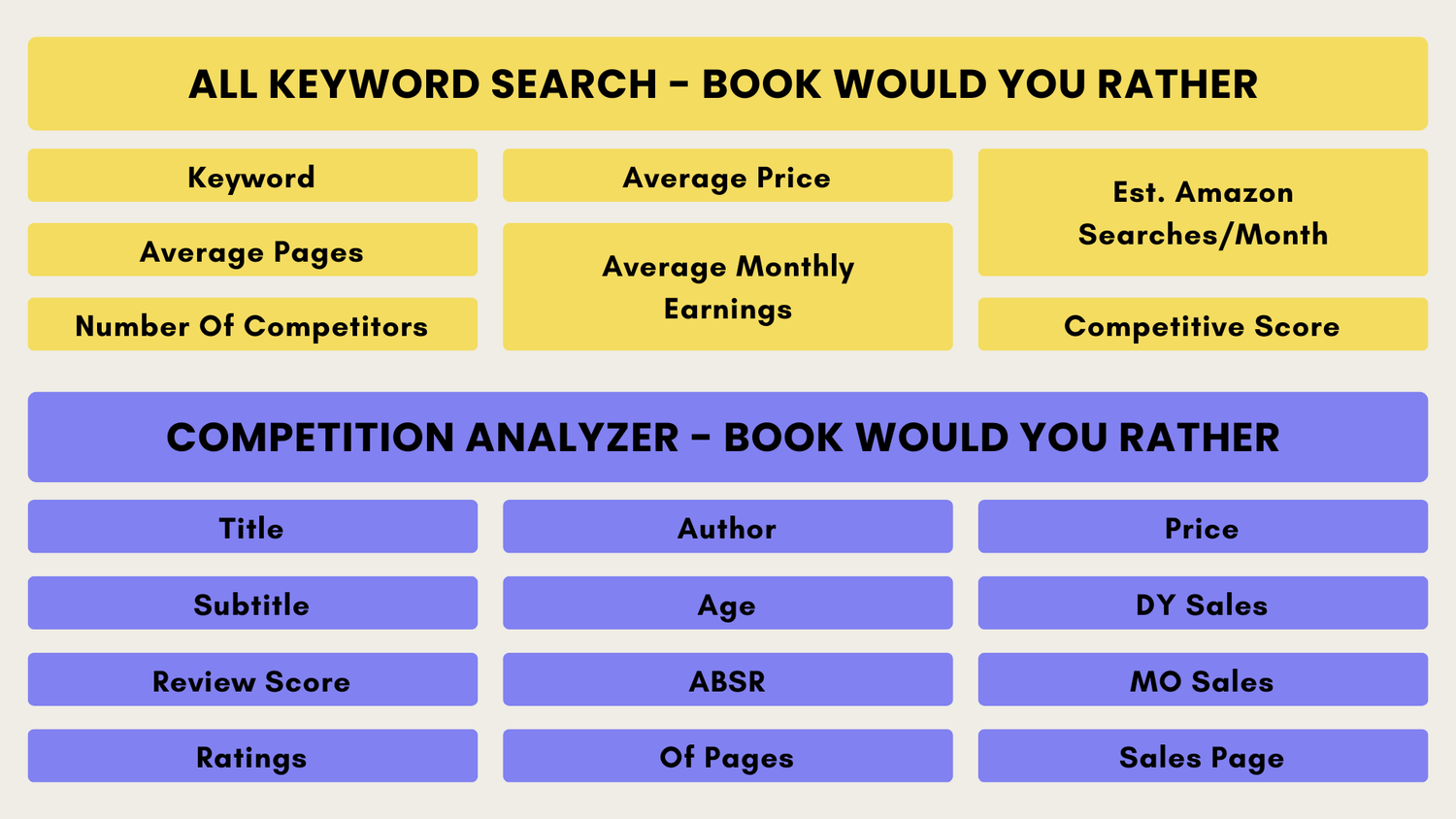
All Keyword Search & Competition Analyzer
You will get access to a curated list of keywords from the Dot Marker niche, helping you understand what people are actually searching for on Amazon. Along with that, you can also look at existing books and get a clearer view of the competition, making it easier to plan your titles, descriptions, and categories.
Bonus 3
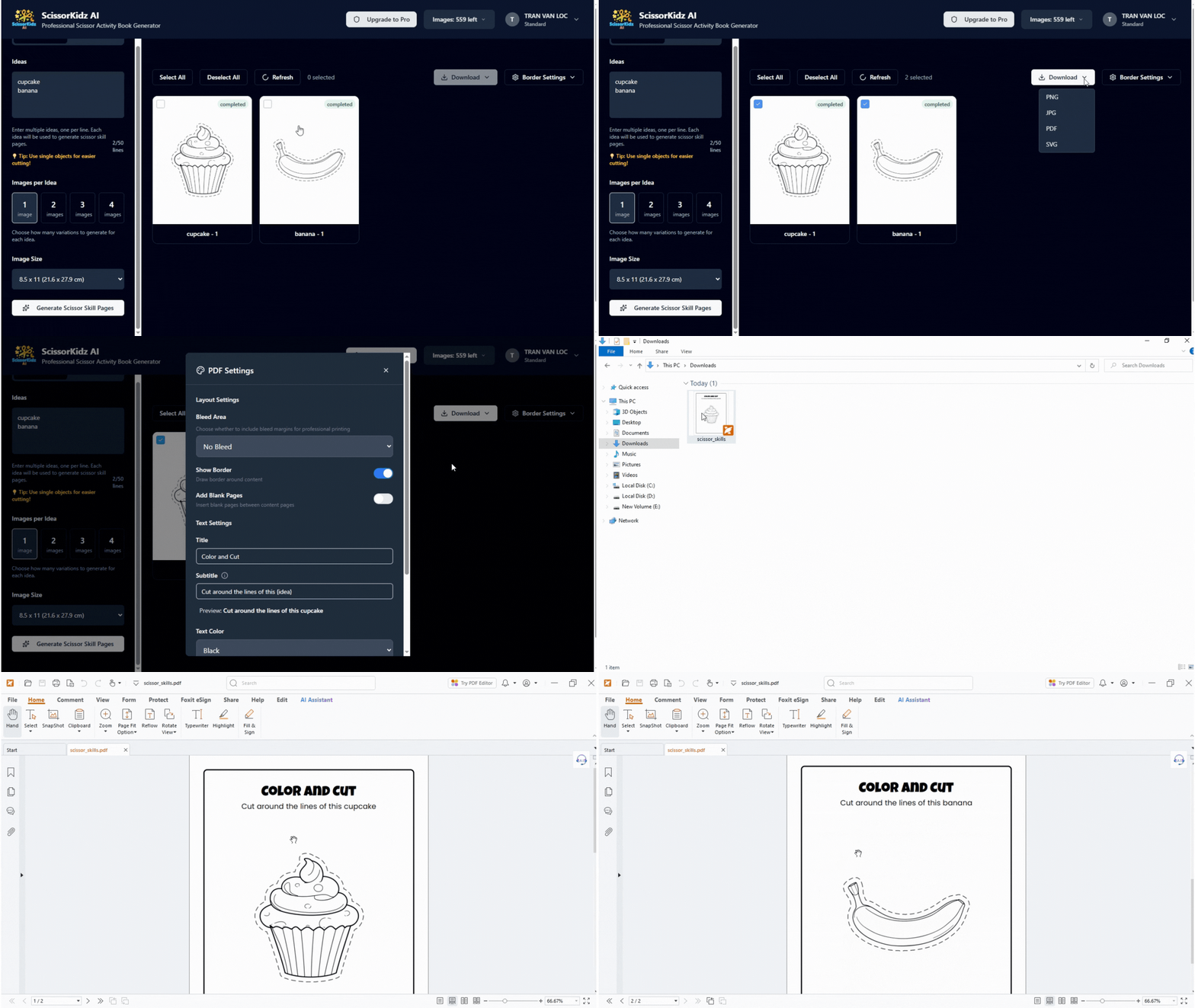
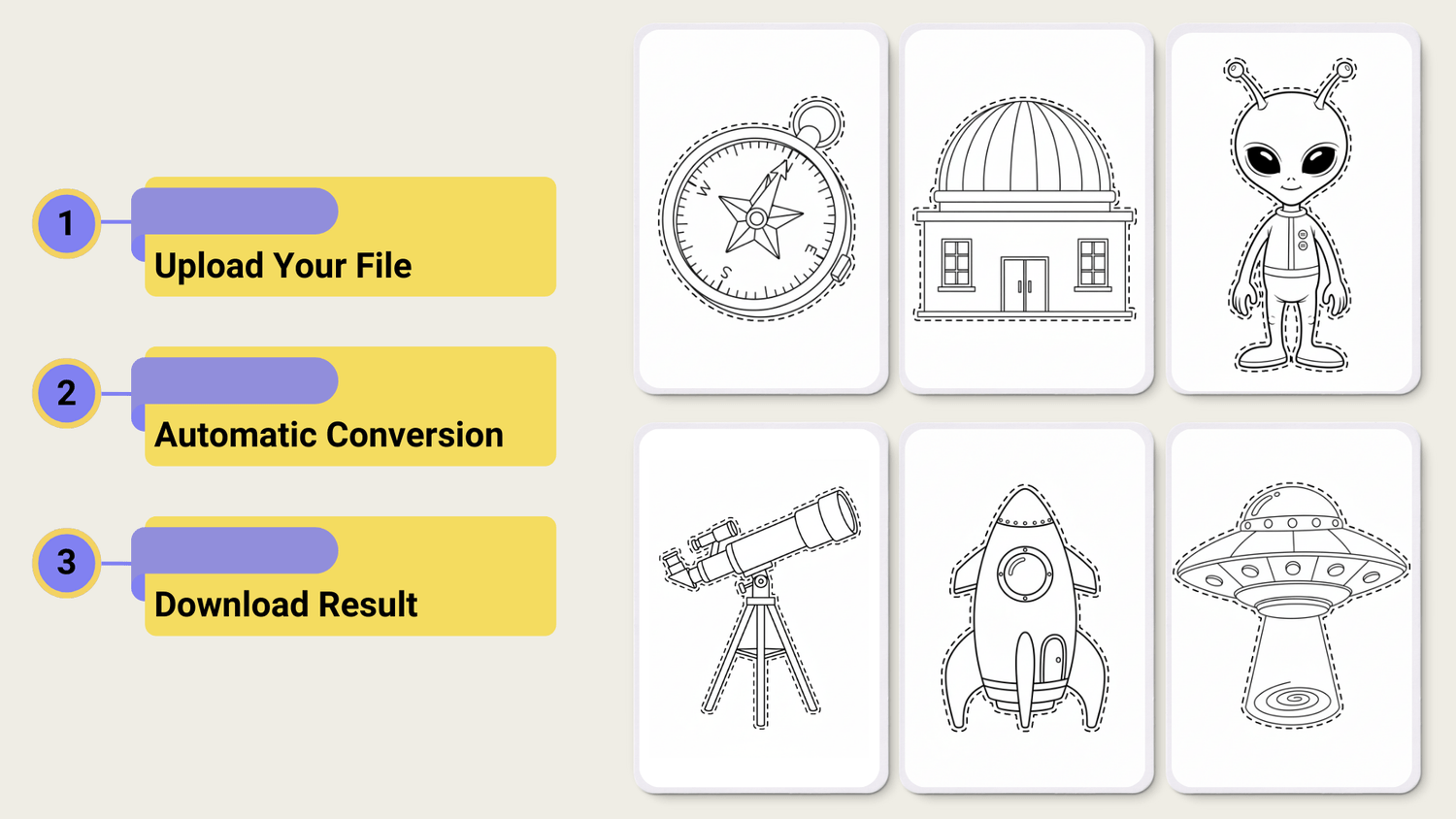
Unlimited Scissor Skill Page Creation Tool
You will get unlimited access to a tool that helps you create scissor skill pages. These pages can be used to build scissor skill books for Amazon KDP, or as simple lead magnets to attract potential customers, grow your email list, and keep your audience engaged.
Bonus 4
30 Cozy Coloring Pages
Get 30 cozy, ready-to-use coloring pages with simple, relaxing designs. Perfect to mix into your activity books, seasonal bundles, or printables without creating artwork from scratch.