If Creating Would You Rather Pages Often Turns Into Overthinking Questions And Page Structure, This Approach Helps You Keep It Clear And Organized
Create Complete Would You Rather Pages From Simple Ideas, Without Spending Hours Planning Content And Layout
A Simple Process Designed To Help You Move From Ideas To Finished Pages With Clear Steps And Structure
Watch How RatherBook AI Works
Click the three-dot menu on the video player and choose Full Screen for for better visibility
Grab RatherBook AI for $97 $17


Create Complete Would You Rather Pages Through A Simple Step By Step Flow
Turn Simple Ideas Into Clear, Engaging Would You Rather Questions
Pre Designed Page Templates Built Specifically For Book Layouts
Reduce Time Spent On Content Planning And Page Organization.
No Writing Or Copy Skills Required
The System Uses AI To Create Questions That Fit The Selected Theme
Simple Interface Designed For Non Technical Users
Work In The Cloud And Create Pages Anytime, Without Needing To Install Software
High Quality PDF Export Suitable For Amazon KDP Publishing
Full commercial and PLR rights on every page-publish and sell your outputs on any platform
30-day money-back guarantee for your peace of mind
For Those Publishing On Amazon KDP, Choosing Niches With High And Consistent Demand Is An Important Factor You Cannot Overlook
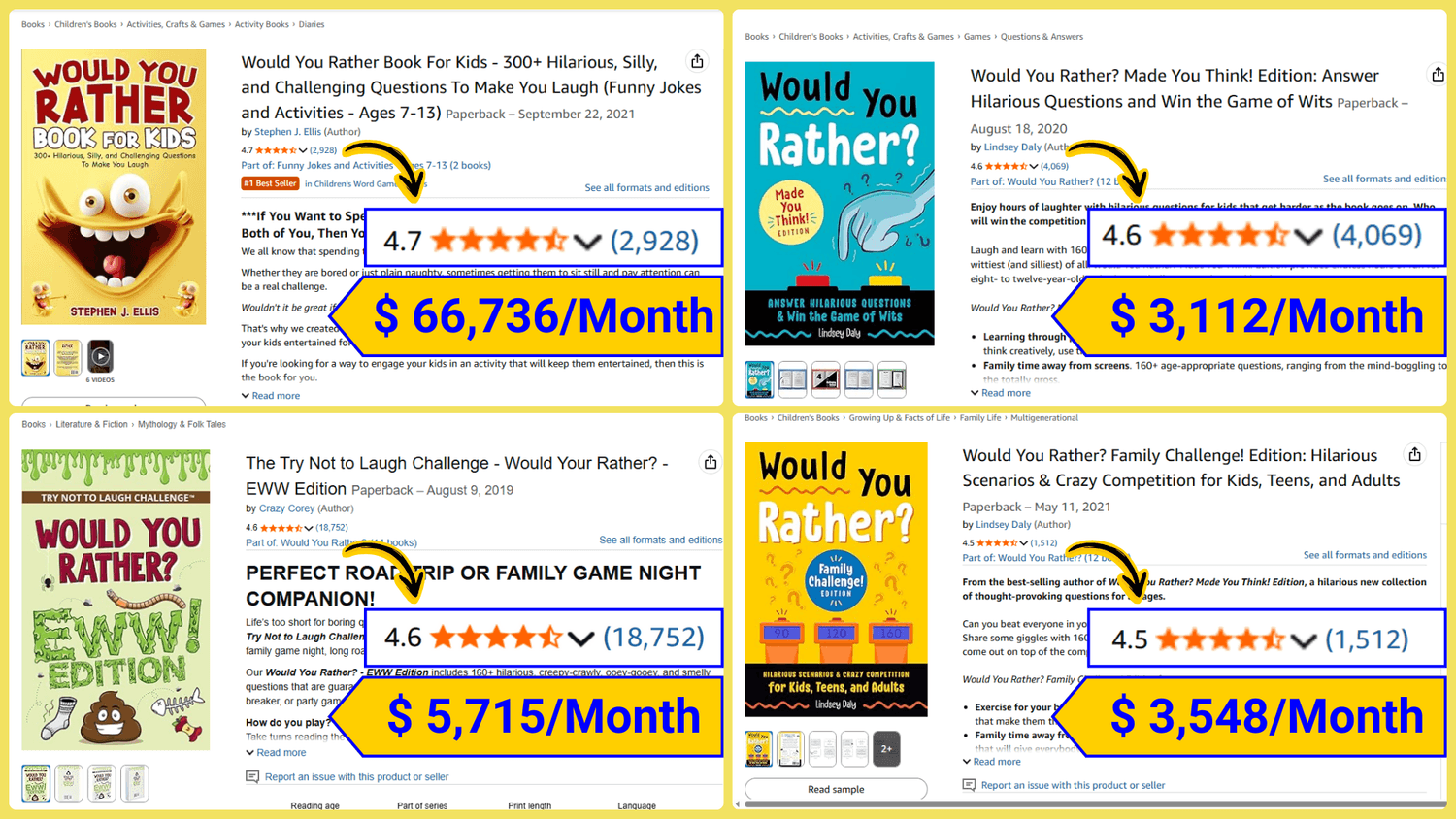
Would You Rather Books Are One Niche That Continues To Show Consistent Reader Interest And High Demand
Would You Rather books are built around a simple and familiar format that works well for many types of readers. The concept is easy to understand, quick to engage with, and flexible enough to fit different age groups and contexts.
Readers are drawn to these books because each question invites participation without requiring long explanations or complex structure. This makes the format suitable for casual reading, group activities, and repeated use.
On Amazon, many Would You Rather titles maintain strong sales activity and visible rankings within their categories. This presence suggests ongoing reader demand rather than short term interest.
The format also allows room to expand. Different themes and editions can be created from the same structure, making it easier to develop multiple books while keeping each one distinct.
So, What Is Would You Rather?
Would You Rather is a simple question format where readers choose between two options. Each question presents a small decision, often playful or thought provoking, and invites the reader to pick the option they prefer.
The questions are easy to understand and do not require long explanations. People can enjoy it on their own or share their answers with others.
Because of its simplicity, Would You Rather works well across different ages and settings. It focuses on interaction rather than instruction, making the experience light, engaging, and easy to return to again and again.
More And More People Are Drawn To Fun And Enjoyable Content For Everyday Relaxation

As daily routines become more busy, many people look for simple ways to entertain themselves. Light and playful content helps people feel relaxed.
Would You Rather questions meet this need well because they are easy to answer, create a light and fun atmosphere, and encourage natural conversation. Readers can enjoy them alone or with others, whether at home, in classrooms, or during group activities.
Because the questions are interactive, they help create moments of connection. Readers do not just read the content but also respond, compare answers, and share their thoughts with one another. This sense of interaction is one of the main reasons many people choose and enjoy this type of book.
A Simple Process To Create And Publish Would You Rather Books On Amazon KDP
Step 1: Create Complete Sets Of Questions
Start by preparing full groups of Would You Rather questions based on your chosen themes.
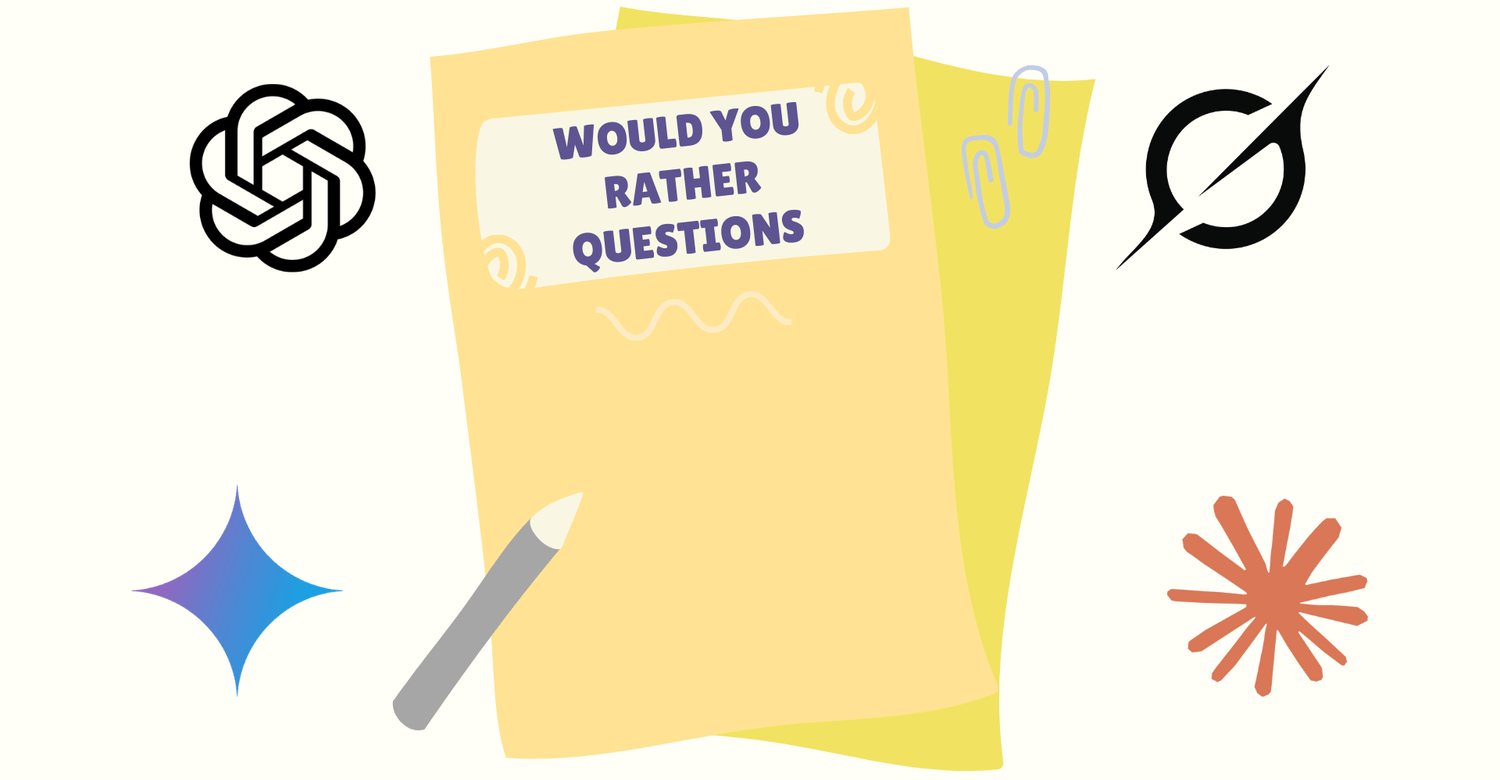
You can write the questions yourself or use AI tools such as ChatGPT, Grok, or Gemini to generate topic based question lists that match your idea.
Step 2: Arrange Pages And Adjust The Layout
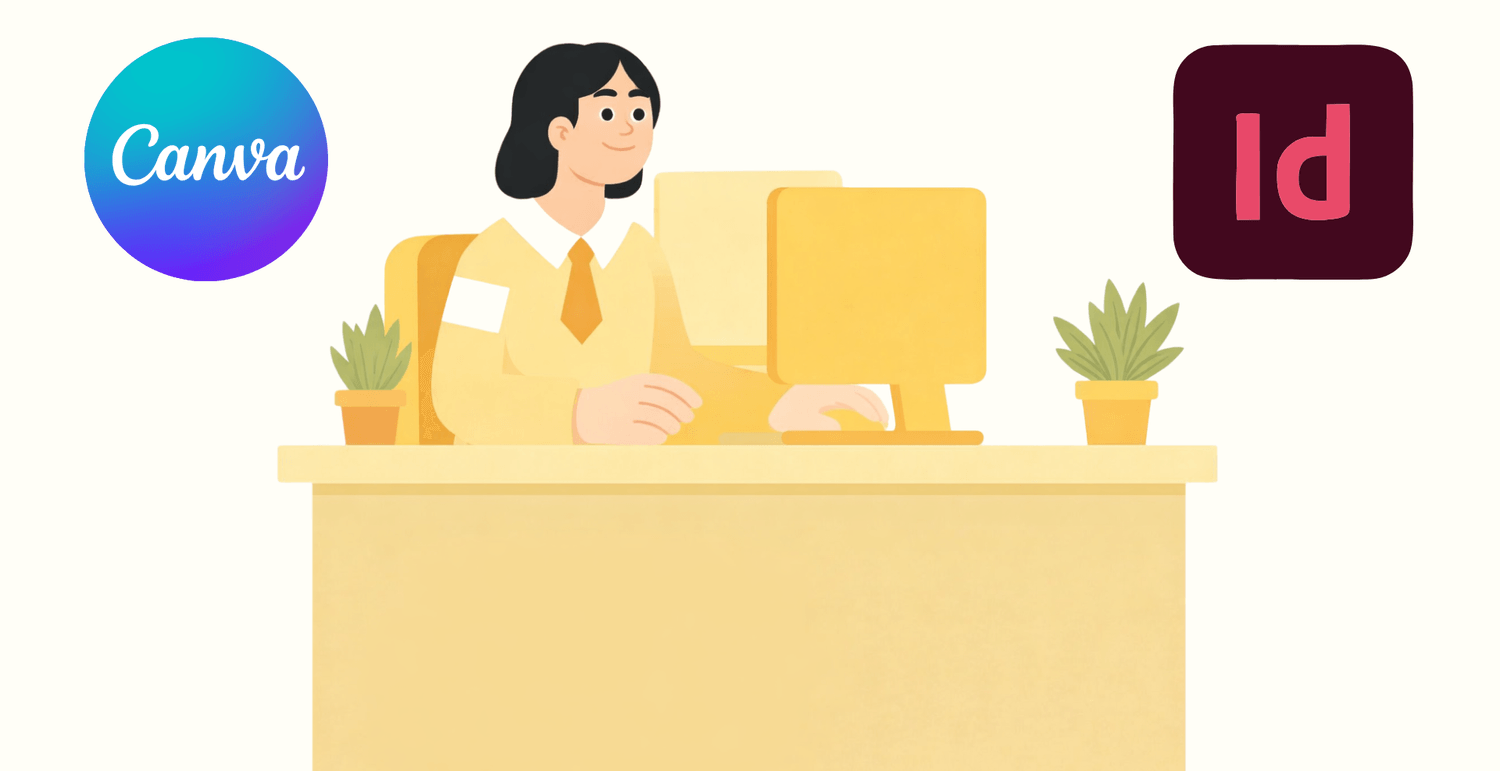
Next, organize your questions into book pages using design tools like Canva or Adobe InDesign.
This step usually includes setting up question pages, arranging the table of contents, choosing readable fonts, and adjusting spacing so the book is suitable for printing.
Step 3: Export A PDF And Upload To Amazon KDP
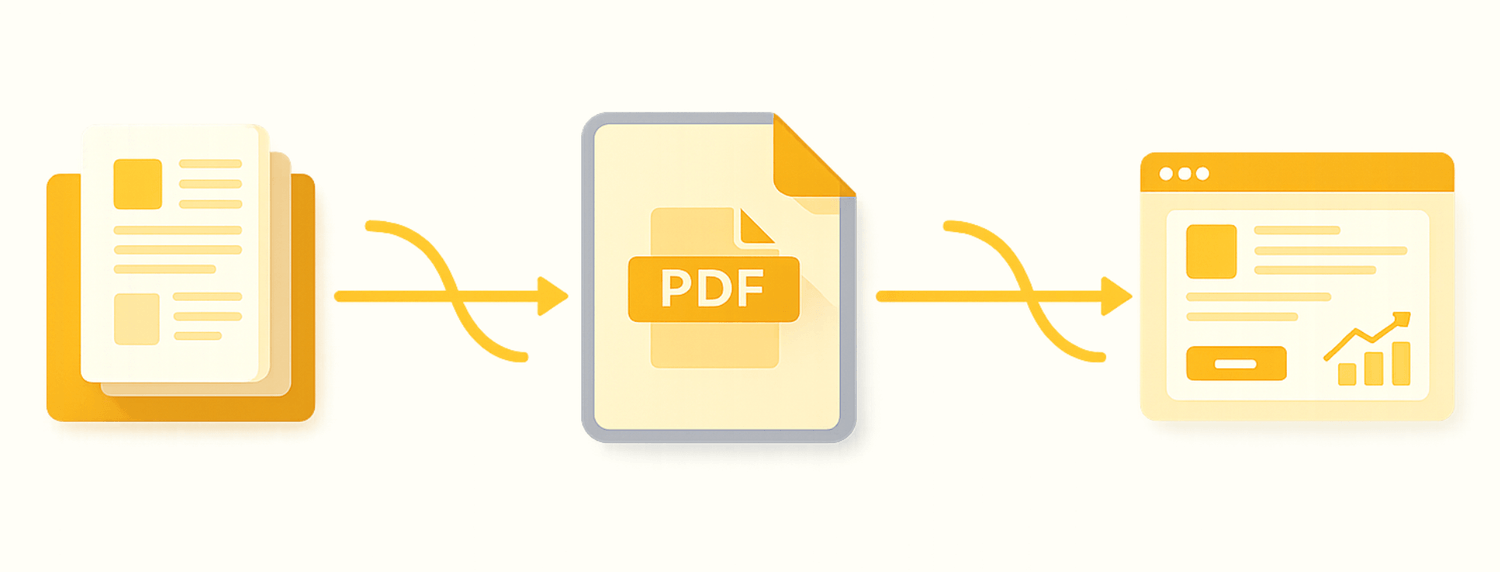
Once the layout is complete, export your book as a high quality PDF file. You can then upload it directly to Amazon KDP to publish and sell your book.
This approach is manageable for a few pages, but what happens when it needs to scale across an entire book with hundreds of pages?
It Sounds Simple Until You Begin Working Through Each Step
Problem 1: Not Being Comfortable With Design Tools
Many people are not familiar with tools like Canva or Adobe. Even basic tasks such as aligning text, keeping spacing consistent, or setting up page layouts can feel confusing and slow.
Problem 2: Creating And Managing Quality Question Sets
To write good Would You Rather questions, having ideas alone is not enough. Reviewing, refining, and removing repetitive or weak questions often takes a lot of time.

Problem 3: A Time Consuming Page Layout Process
Designing one question page is usually quick. But completing enough pages for a full book with one hundred to three hundred questions can take days or even weeks.
Problem 4: Not Understanding Amazon KDP Print Requirements
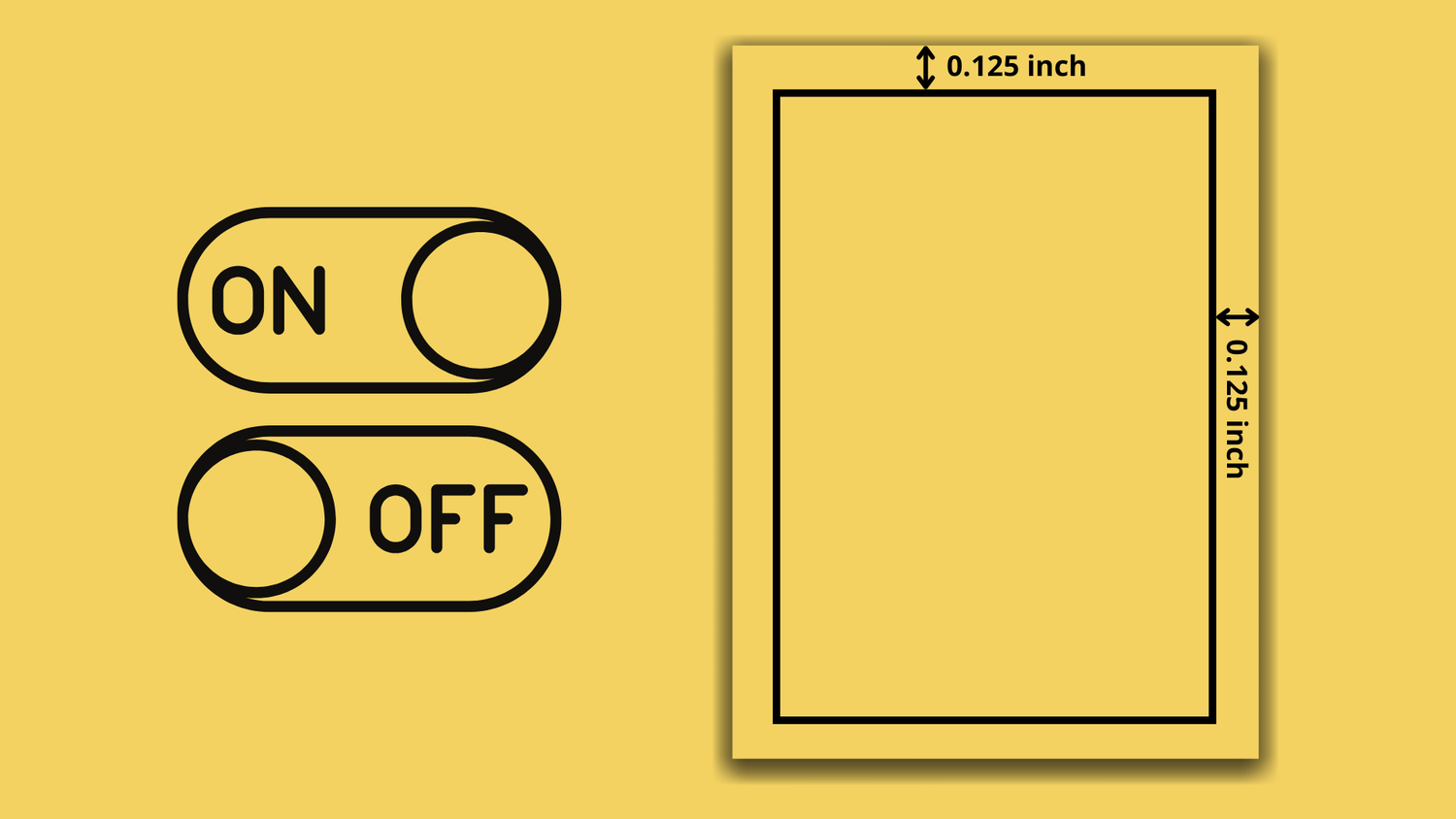
Designing for print is very different from designing for screens. Many creators struggle with trim size, margins, gutter spacing, and bleed settings, which can lead to formatting issues after upload.
Problem 5: Difficulty Scaling Production
Finishing one book is only the beginning. Repeating the same process to create multiple books with different themes quickly becomes overwhelming.
Problem 6: Maintaining Consistency Across Multiple Books
When working manually, it is difficult to keep the same structure, question style, and page layout across different books. Just changing the tool or template can make everything look different.
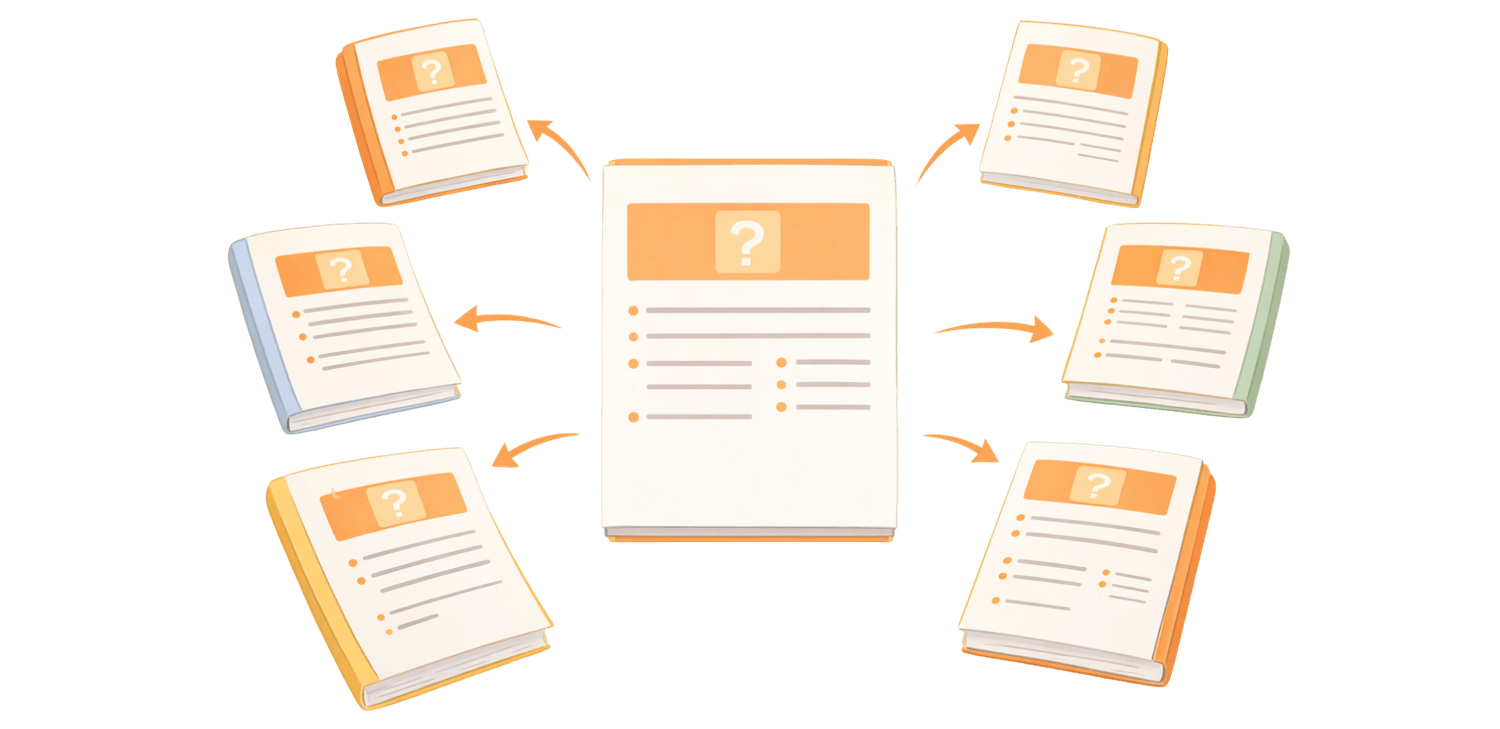

Problem 7: Even Small Edits Require A Lot Of Effort
Want to change the font, adjust the number of questions per page, or add a new theme? With a manual workflow, you have to update each page one by one. Changes that seem simple can end up taking a lot of time.
Problem 8: High Outsourcing Costs
Hiring designers or freelancers can help with some steps, but costs increase quickly. Every revision or content change adds more time and expense.

Do Not Let These Challenges Slow Down Your Progress
Introducing RatherBook AI, A Tool Designed To Turn Ideas Into Finished Book Pages
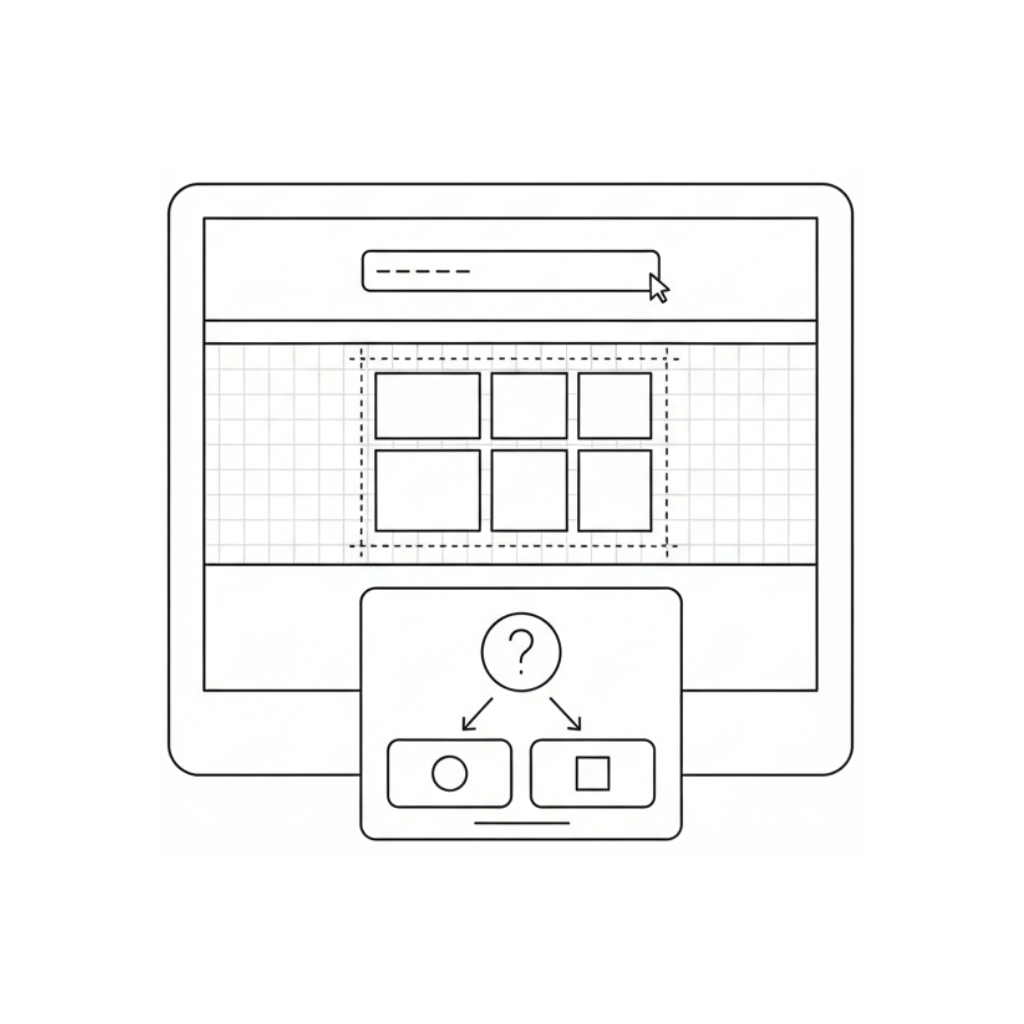
Build Would You Rather Pages In One Tool
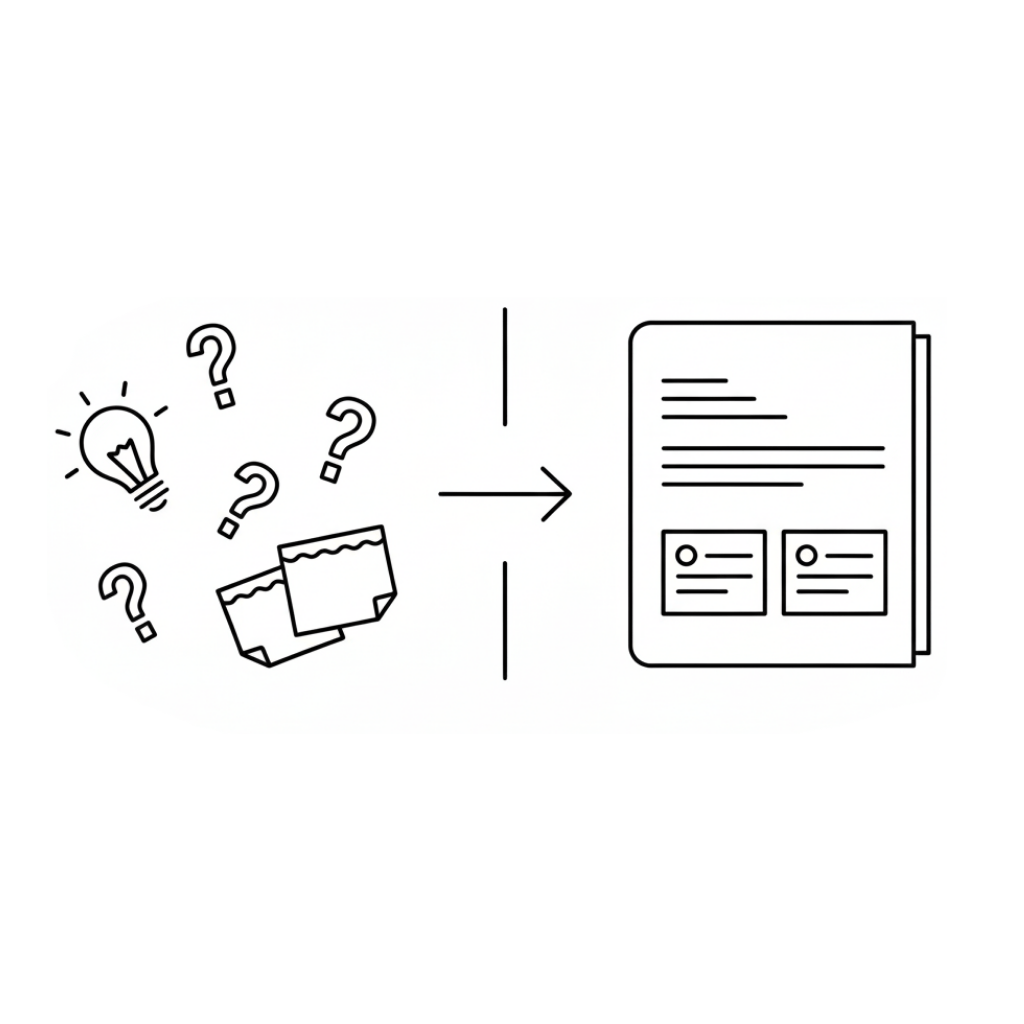
Turn Simple Ideas Into Structured Question Sets

Use AI To Generate Questions That Match Each Theme
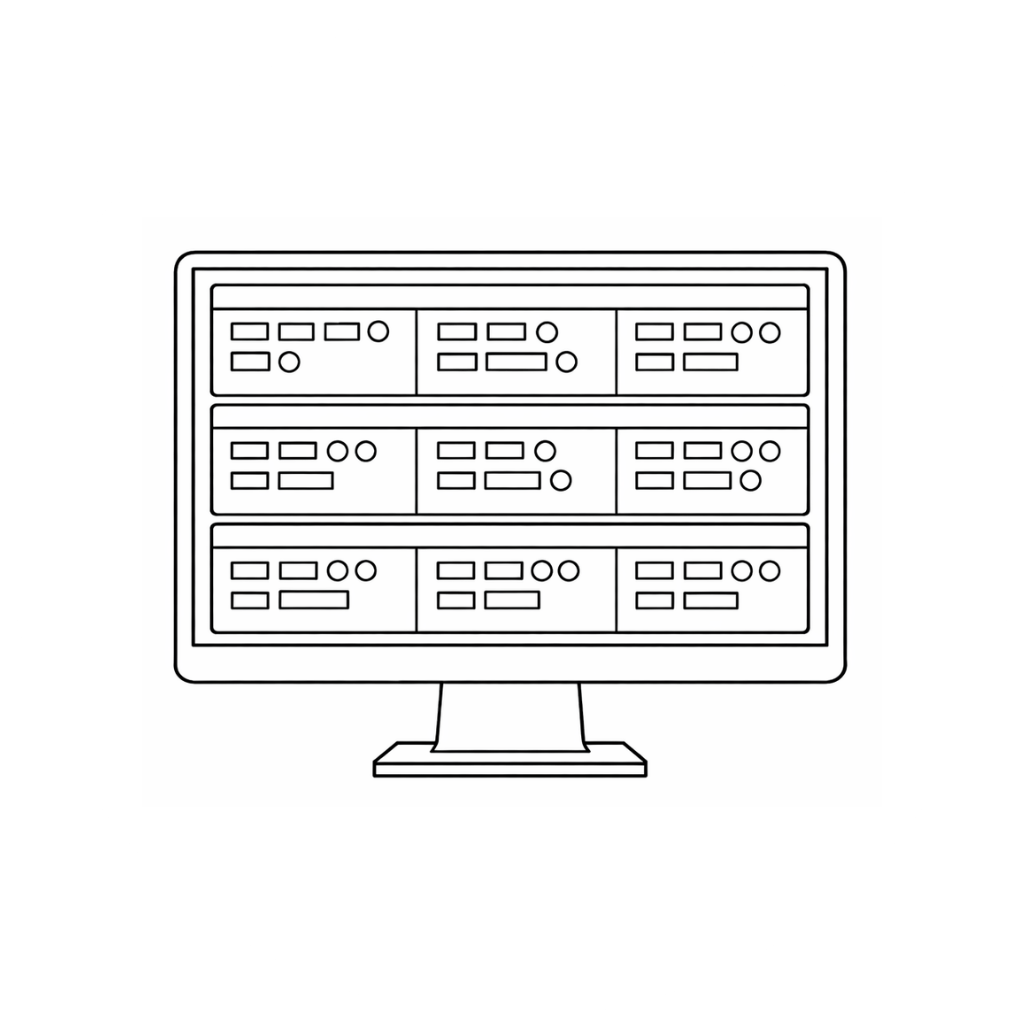
Each Round Represents A Group Of Questions, Making Book Management Easier
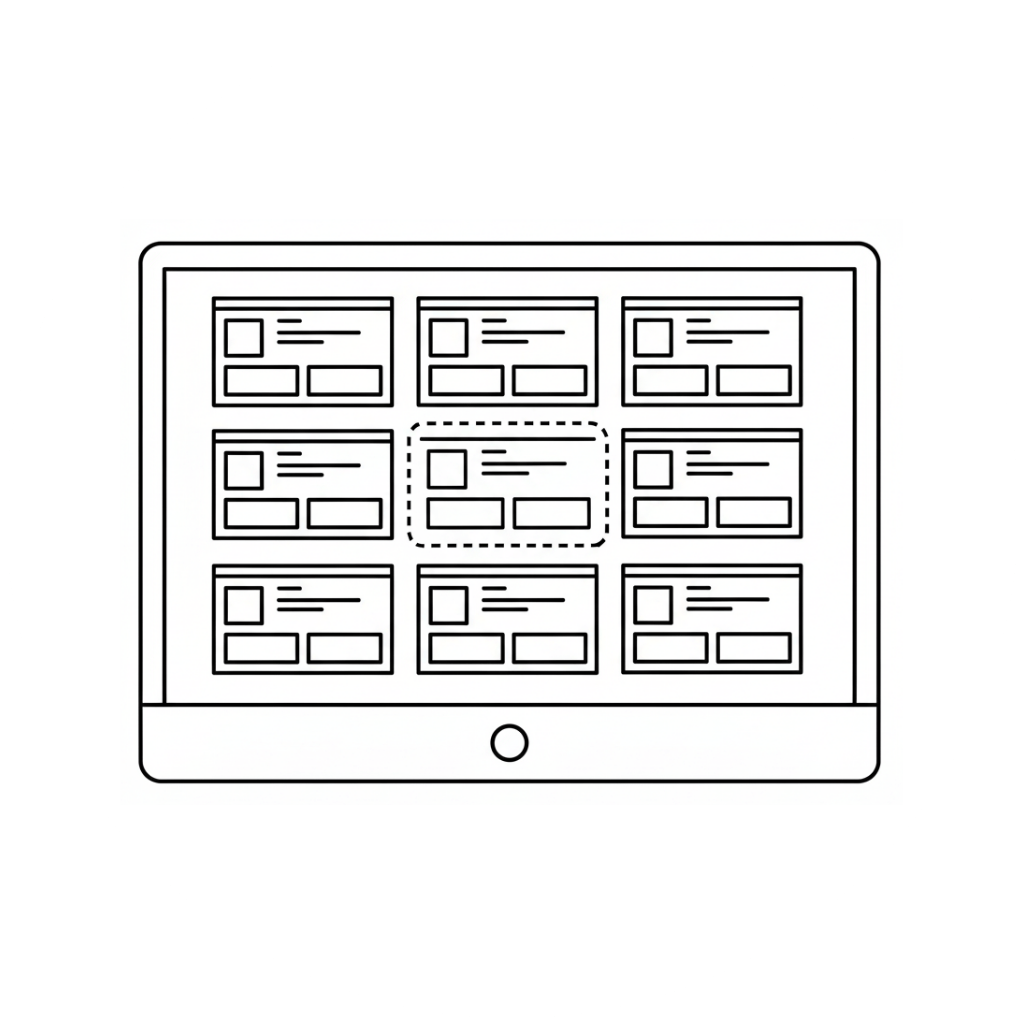
Choose From Ready Made Page Templates, Templates Keep Page Layouts Consistent
Page Structure Is Handled Automatically, No Manual Margin Adjustments
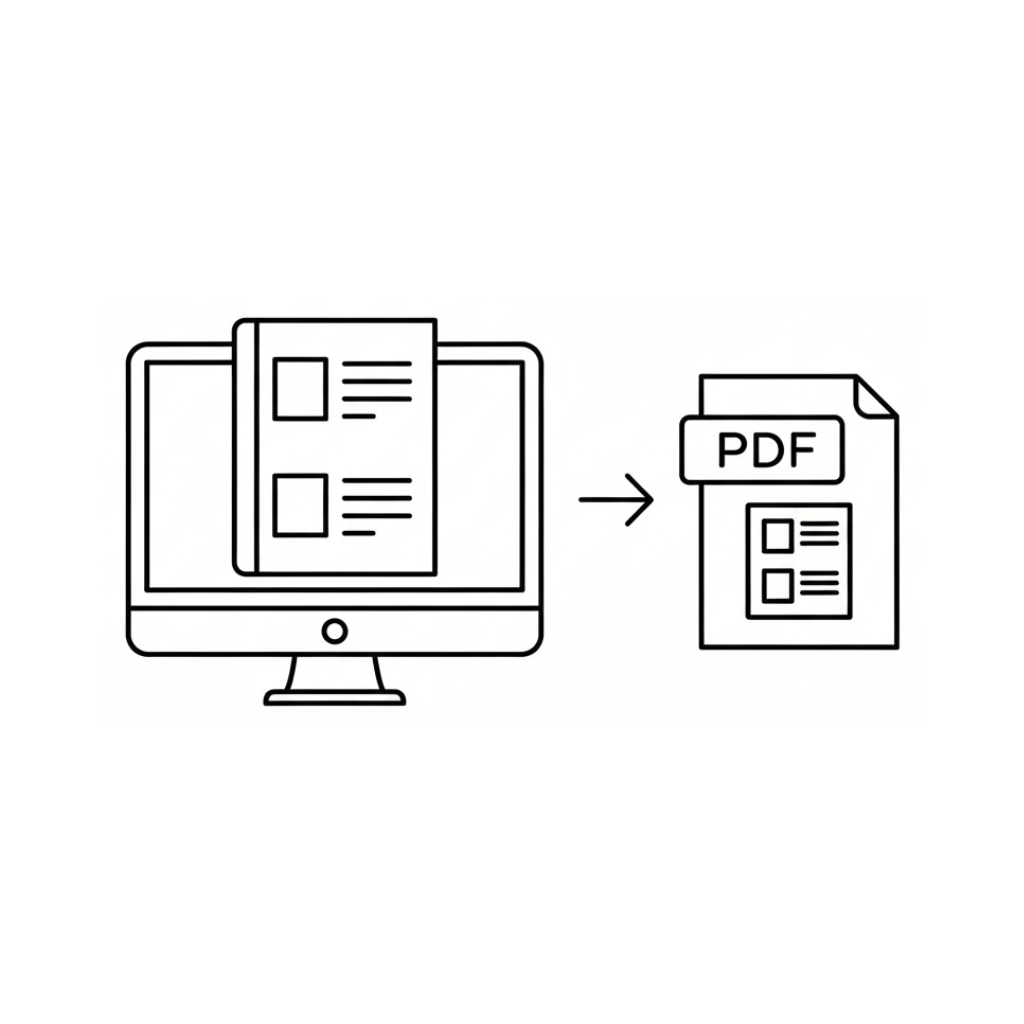
Export High Quality PDF Files For Publishing

Full Freedom To Publish And Sell Your Books

A 30 Day Money Back Guarantee For Peace Of Mind

What Makes RatherBook AI Different Is That Pages Are Designed Around Templates
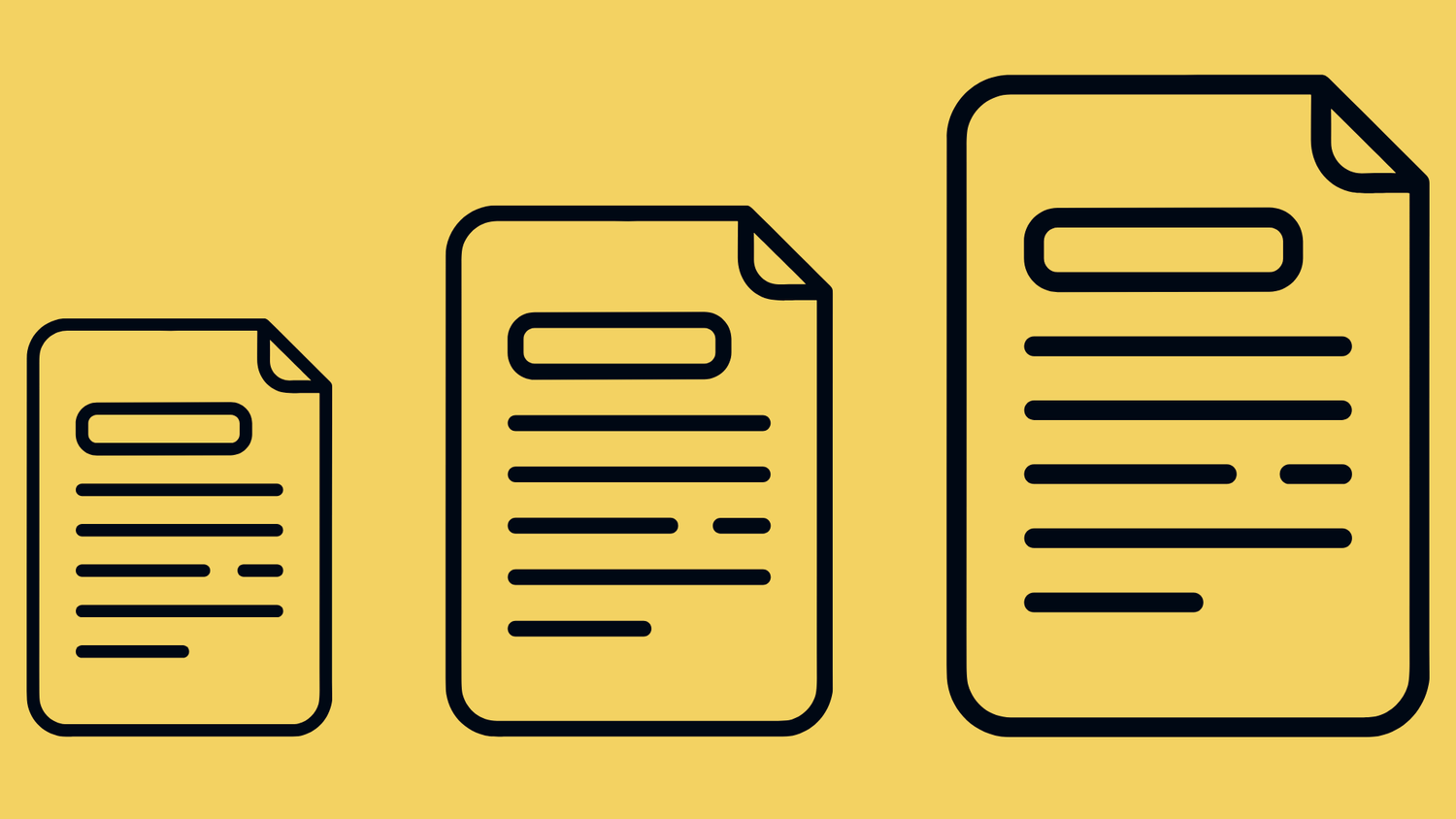
Instead of starting with empty text-only pages, the content is built using a collection of more than 20 pre-designed templates that keep layouts consistent and make your book look more engaging.
Create Would You Rather Books In Four Simple Steps With RatherBook AI
Step 1: Set Up Your Book Structure
Start by defining the basic settings for your book, including print options such as bleed and page size.
You can also choose to include additional pages like a table of contents, an about page, or a winner page, so the book feels complete from the beginning.
Step 2: Generate Questions By Topic
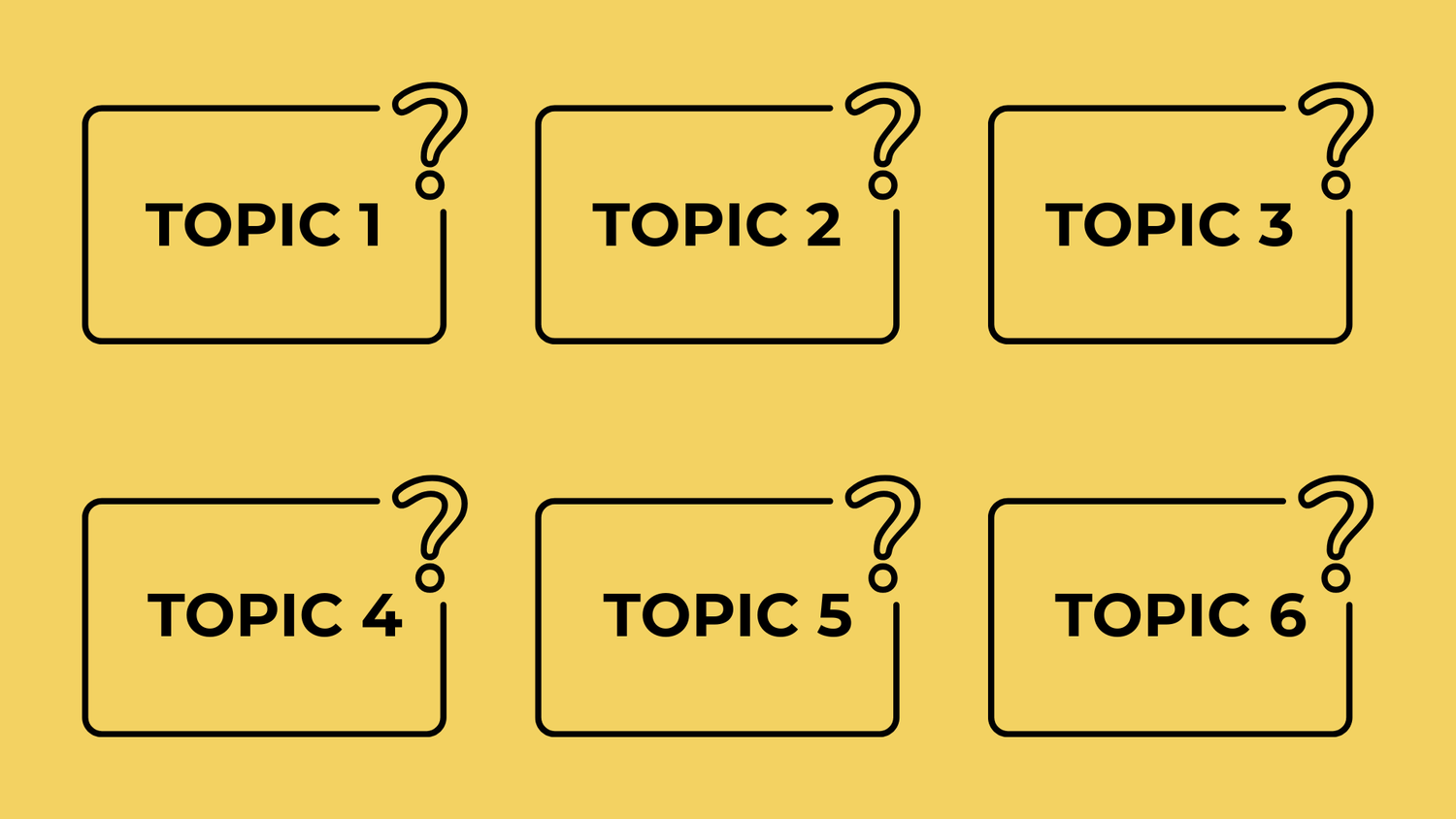
Next, select the topics and let the system generate groups of Would You Rather questions that match those themes.
This helps keep questions relevant and organized without writing everything manually.
Step 3: Choose Templates For Your Question Pages
Select a template for how questions are displayed on each page.
Templates handle layout, spacing, and structure, making pages easier to read and consistent across the entire book.
Step 4: Download And Publish Your Book
When everything is ready, download your book as a high quality PDF file and upload it directly to Amazon KDP to publish.
An Overview Of The Core Features In RatherBook AI
You Will Receive A Set Of Exclusive Bonuses When You Join RatherBook AI
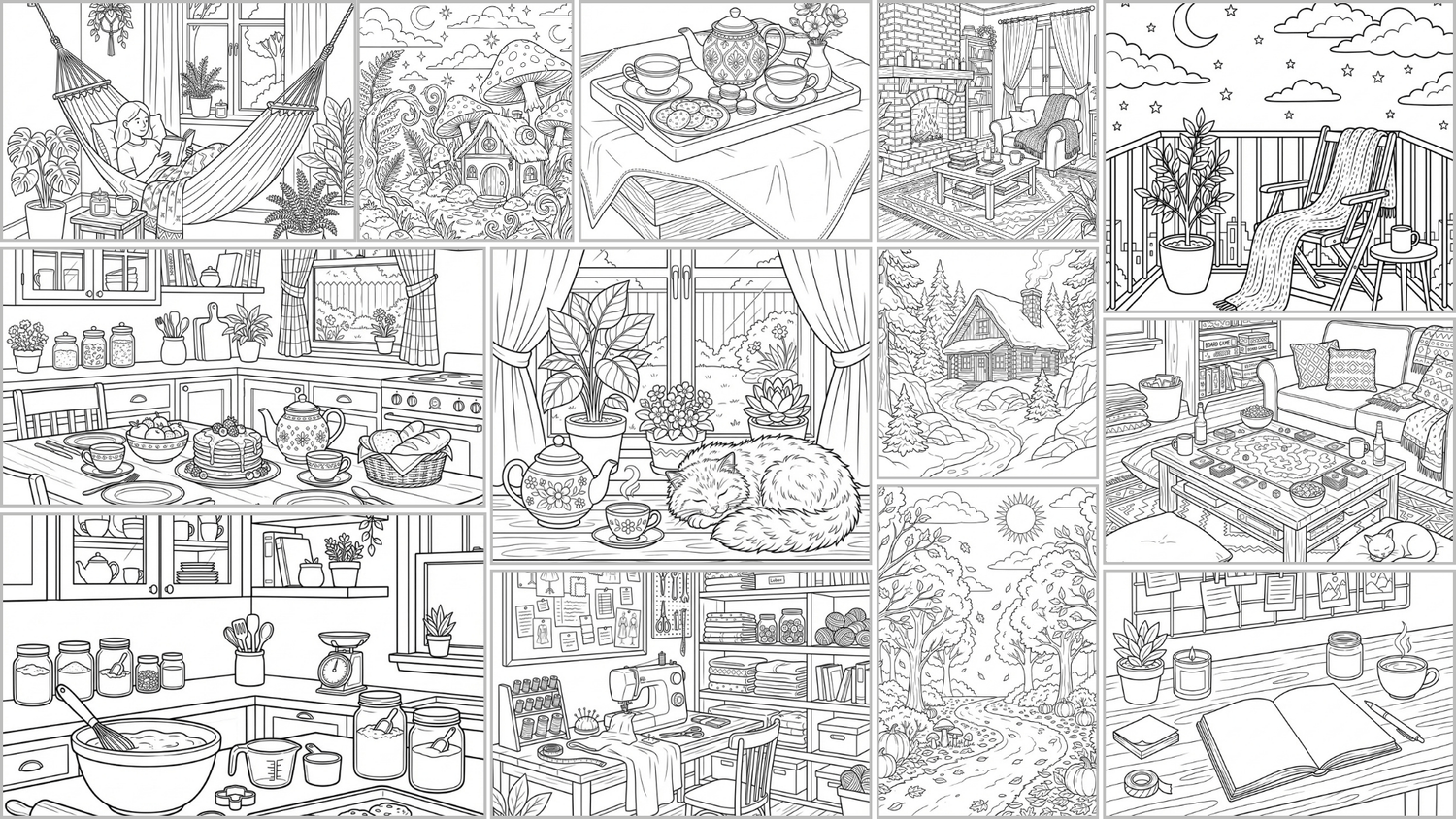
Bonus 1: 20 Editable Dot-to-Dot Book Covers
Get a collection of 20 professionally designed book covers to help you publish faster. Each cover is fully editable in Canva, so you can easily change the title, colors, or layout to match your own brand and style.
Bonus 1: 20 Editable Dot-to-Dot Book Covers
Get a collection of 20 professionally designed book covers to help you publish faster. Each cover is fully editable in Canva, so you can easily change the title, colors, or layout to match your own brand and style.
Bonus 1: 20 Editable Dot-to-Dot Book Covers
Get a collection of 20 professionally designed book covers to help you publish faster. Each cover is fully editable in Canva, so you can easily change the title, colors, or layout to match your own brand and style.
Bonus 1: 20 Editable Dot-to-Dot Book Covers
Get a collection of 20 professionally designed book covers to help you publish faster. Each cover is fully editable in Canva, so you can easily change the title, colors, or layout to match your own brand and style.
RatherBook AI Comes With A 30-Day Money-Back Guarantee
RatherBook AI was built to help simplify the process of creating Would You Rather books and reduce the time spent on planning, formatting, and layout.
You can log in, explore the tool, and see how it fits into your workflow without pressure. This gives you time to understand how the features work and whether the process feels right for your needs.
If at any point within 30 days you feel that RatherBook AI is not a good fit, you can contact our support team to request a refund. The process is straightforward and does not require long explanations.
This policy is in place so you can evaluate the tool with confidence and decide based on your own experience.