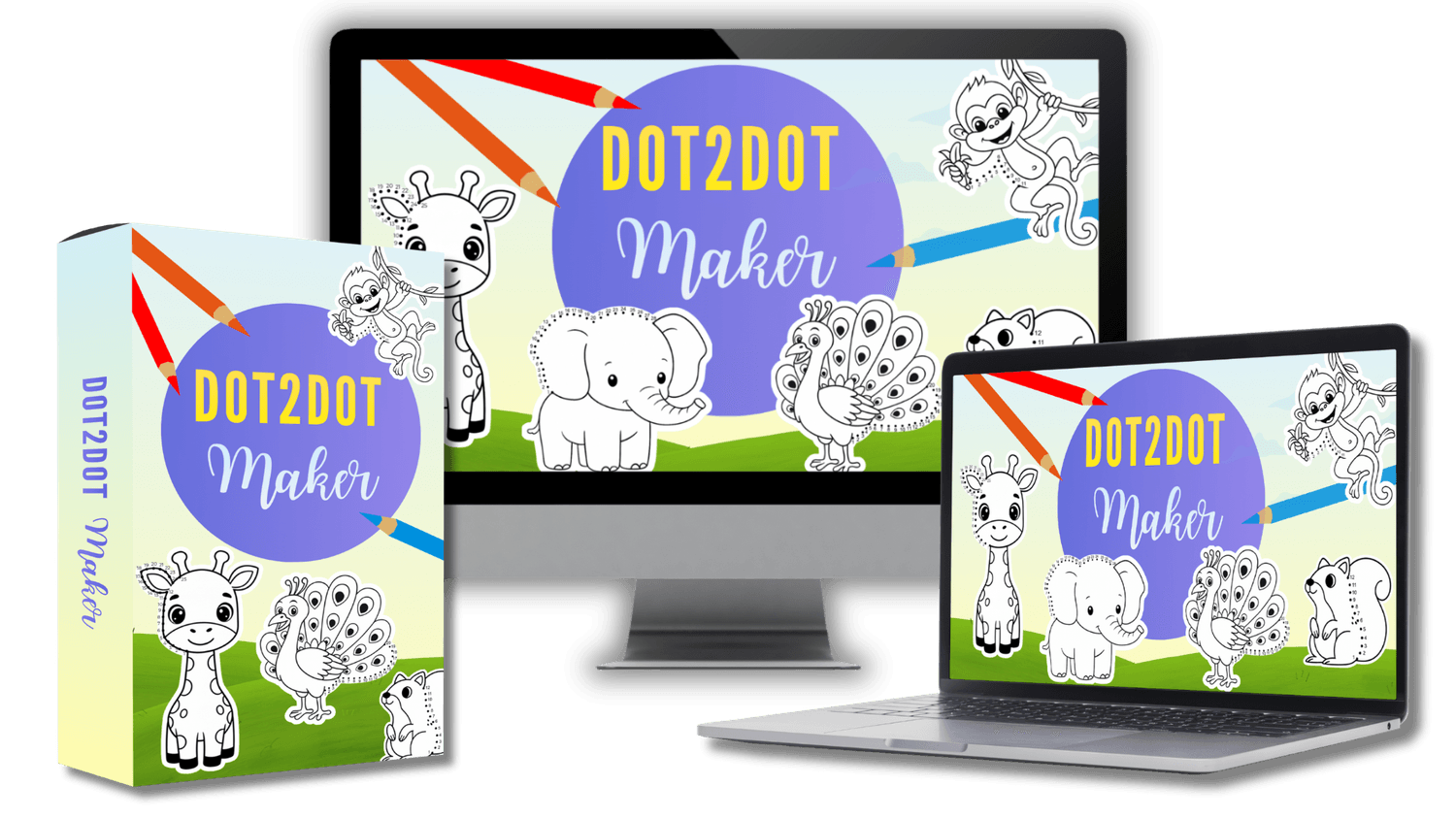
Promote a Web App That Helps Users Design Clean, Detailed Dot-to-Dot Pages from Any Outline
Create Ready-to-Publish Dot-to-Dot Pages for Amazon KDP Without Any Design Skills Needed
Monday
January 5, 2026
@ 9:00 AM EST
Saturday
January 10, 2026
@ 11:59 PM EST

Create dot-to-dot pages in a WYSIWYG (What You See Is What You Get) editor with all the tools built in
Eliminate the usual barriers to entering the dot-to-dot niche and finally start creating with confidence
Upload as many outlines as you want, with no credits or monthly restrictions
Leverage built-in AI to generate clean, high-quality outline images, ready to use inside the app
Purpose-built for creating full, publish-ready books, export in 300 DPI PDF, JPG, PNG and KDP-ready sizes for Amazon and Etsy
Work from anywhere with a cloud-based app, no installations, no heavy software, just log in and create
A clean, beginner-friendly interface that’s simple, intuitive, and easy to use, no design skills or tech experience required
Full commercial and PLR rights on every page-publish and sell your outputs on any platform
30-day money-back guarantee for your peace of mind
How to Create a Dot-to-Dot Page in Just Simple Steps With Dot2Dot Maker
Step 1: Upload or Generate an Image with AI
You can start by uploading any outline image you want to turn into a dot-to-dot page.
Or use the built-in AI image generator inside Dot2Dot Maker to create four different images at once
Step 2: Add the Dots
There’s no need to draw or number each dot manually.
Just switch to Add Dot mode, then click anywhere along the outline where you want a dot to appear, the system will automatically number each dot in order.
You can also adjust the size of the dots, as well as the font and number size, to fit your design style.
Step 3: Erase the Lines Where Dots Have Been Placed
Once you’ve placed your dots, switch to Erase Mode to remove the outline lines beneath them.
The system only deletes the parts of the outline that overlap with the dots, while keeping all dots and numbers intact so the overall shape remains clear and natural.
Step 4: Final Adjustments & Styling
You can add text, shapes, or extra styling to your page to make your dot-to-dot design more unique, polished, and visually appealing.
These final touches help your pages stand out and better match your brand or book style.
Step 5: Download Your Page
When everything looks complete, download your finished page in your preferred format.
You can export it as a high-quality JPG or PNG, or as a 300 DPI PDF ready for publishing on Amazon KDP.
Here’s Why You Should Promote
50% Commission, No Revenue Limit
You instantly earn 50% commission on every order, including upsells, and keep all the profits from your referred customers forever, with no complicated setup required.
High Conversions, Done-For-You Content & Swipes
You’ll get a professional sales video, email swipes, and bonuses to start promoting immediately. The sales page is already optimized to attract buyers.

High-Value Product, No Skills Required
In just minutes, users can create complete, ready-to-sell dot-to-dot pages, no design or technical skills needed. That’s what makes this product so easy to sell.

Perfect for Any List or Audience
Whether your audience includes freelancers, bloggers, PLR sellers, Amazon KDP publishers, content creators, or teachers, you have more chances to earn commissions.

Evergreen Niche, Growing Market Demand
Dot-to-dot books continue to grow steadily in popularity. People are actively buying, making this niche a consistent, long-term source of commissions.

Low Refund Rates – High Buyer Satisfaction
Because the product delivers instant, helps create ready-to-sell dot-to-dot pages quickly, customers are happy, and affiliates gain fast conversions and positive feedback

See How Easily You Can Create Dot-to-Dot Pages
$17 / 50%
Dot2Dot Maker Basic
$37-$77 / 50%
Dot2Dot Maker Upgrade
$17 / 50%
Dot2Dot Maker DFY
$17 / 50%
Emoji Word Search
Generator Basic
$27 / 50%
Emoji Word Search
Generator Pro

2nd Prize
$30

1st Prize
$50

3rd Prize
$20
Note: Contest is based on total revenue, all the prizes generated from your commissions must be equal than the prize to qualify. Otherwise, you will receive the next prize based on your total generated commissions.