If Designing Dot-to-Dot Pages Feels Complicated, This Tool Makes It Simple, Creative, and Fun Again
Design Clean, Detailed Dot-to-Dot Pages from Any Outline with a Simple Web App Made to Save You Time and Effort
Create Activity Books for Kids or Adults Effortlessly, and Focus on Your Ideas Instead of Spending Hours Drawing Manually
Watch How Dot2Dot Maker Works
Click the three-dot menu on the video player and choose Full Screen for for better visibility
Grab Dot2Dot Maker for $97 $17


Create dot-to-dot pages in a WYSIWYG (What You See Is What You Get) editor with all the tools built in
Eliminate the usual barriers to entering the dot-to-dot niche and finally start creating with confidence
Upload as many outlines as you want, with no credits or monthly restrictions
Leverage built-in AI to generate clean, high-quality outline images, ready to use inside the app
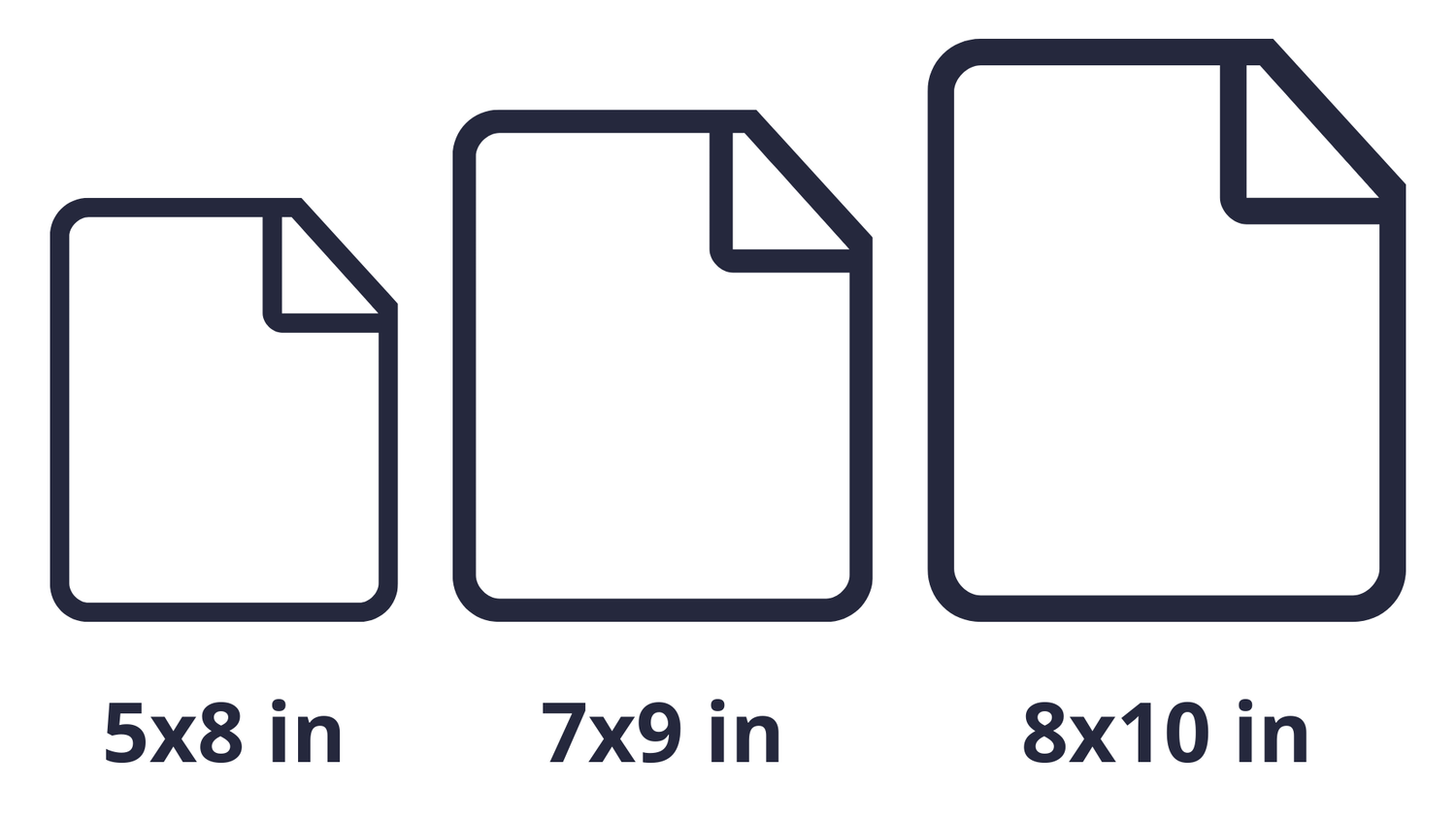
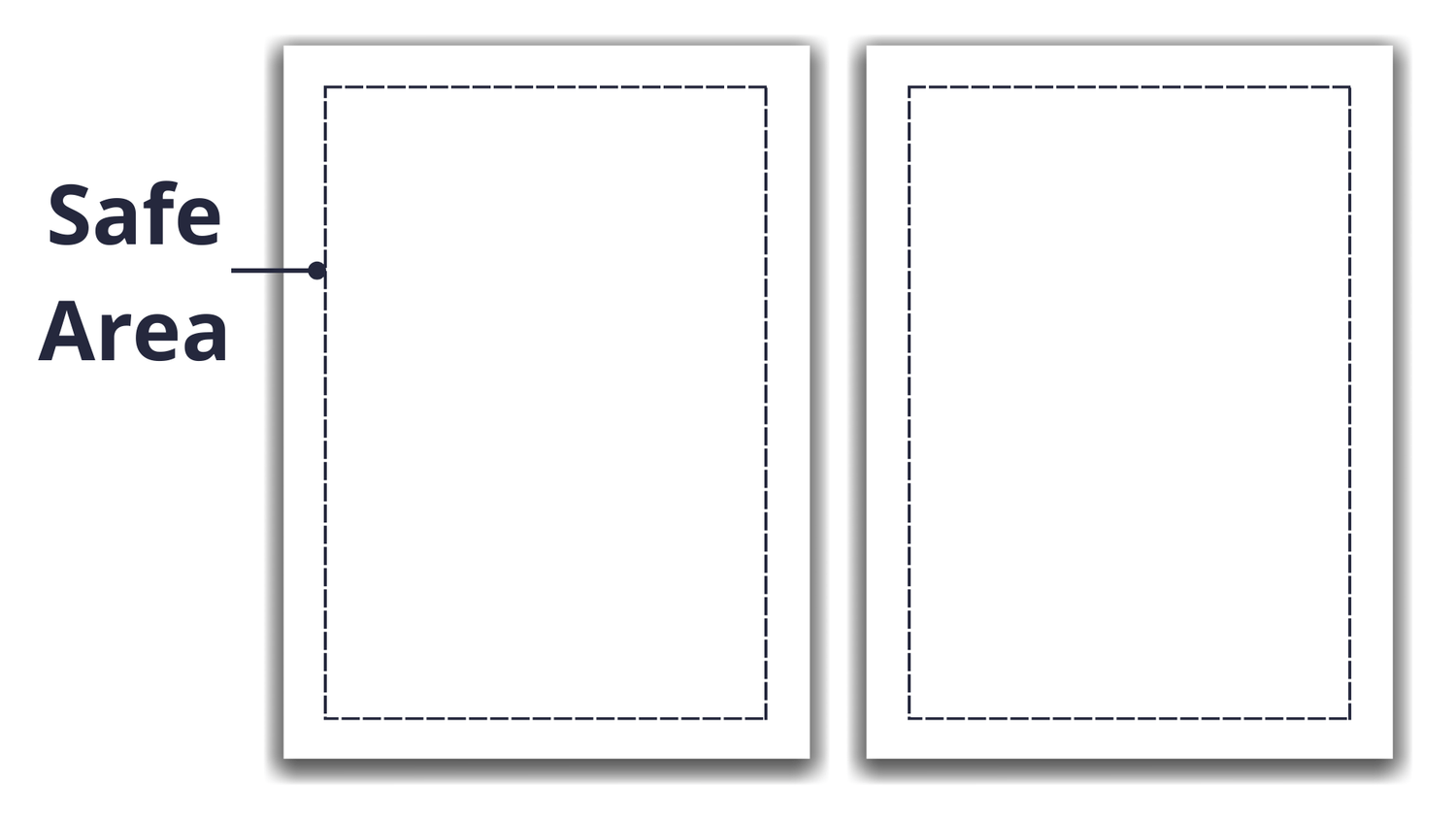
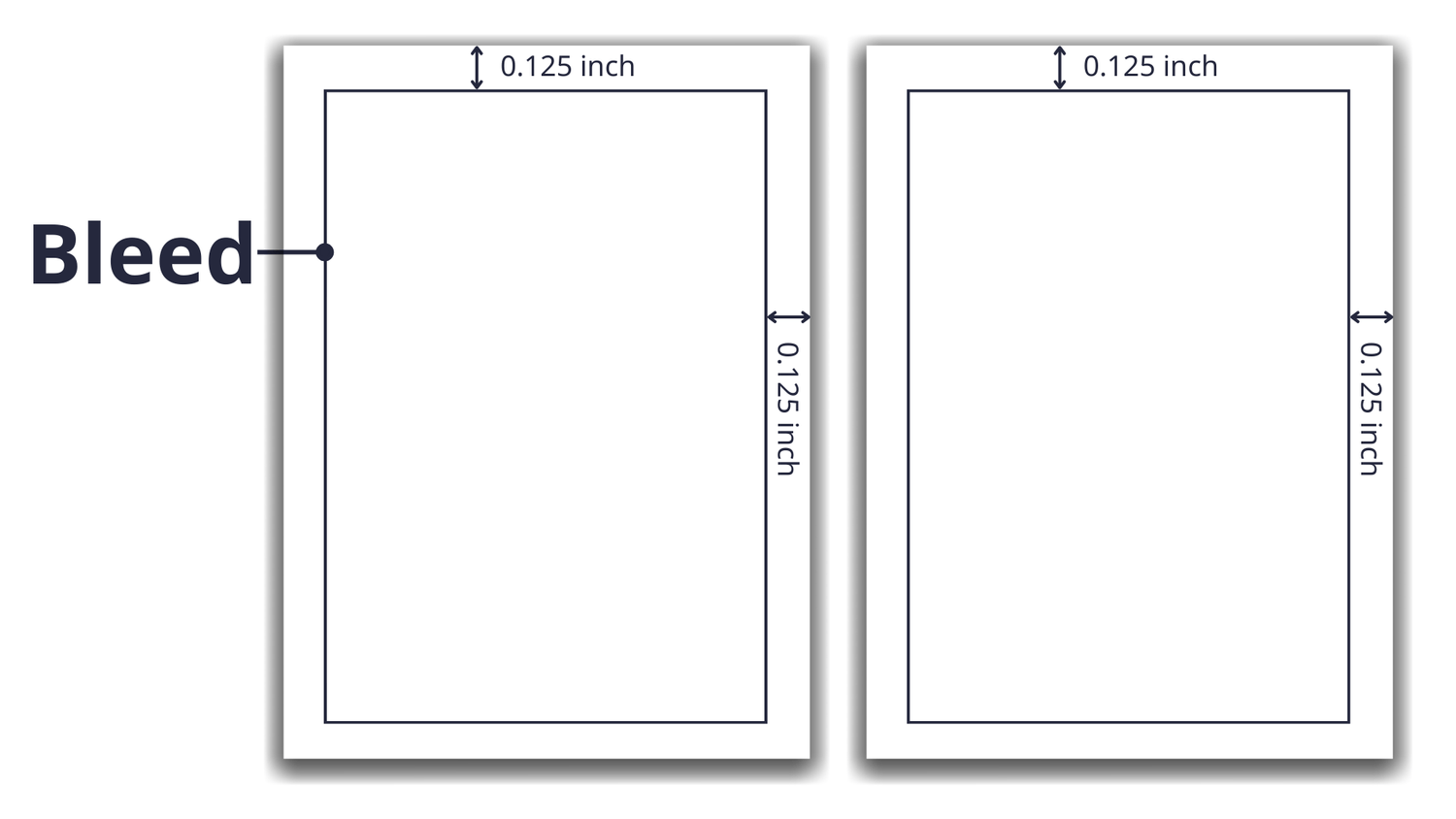
Purpose-built for creating full, publish-ready books, export in 300 DPI PDF, JPG, PNG and KDP-ready sizes for Amazon and Etsy
Work from anywhere with a cloud-based app, no installations, no heavy software, just log in and create
A clean, beginner-friendly interface that’s simple, intuitive, and easy to use, no design skills or tech experience required
Full commercial and PLR rights on every page-publish and sell your outputs on any platform
30-day money-back guarantee for your peace of mind
If You’ve Been Publishing on Amazon KDP, You Already Know How Important It Is to Find Niches with Steady, Long-Term Demand
Dot-to-dot Books Are One Of Those Niches Truly Promising, With Real Long-term Potential
Dot-to-Dot Books, a small but highly promising niche that’s growing quickly in the Activity Book market.
These books appeal to both kids and adults, offering a mix of creativity and focus that parents love to include in learning and playtime.
On Amazon, Dot-to-Dot Books show strong sales and high ratings, proving that demand is real and stable.
This niche blends easily with other themes: animals, holidays, seasons, and learning topics, so you can keep creating fresh, unique books without running out of ideas.
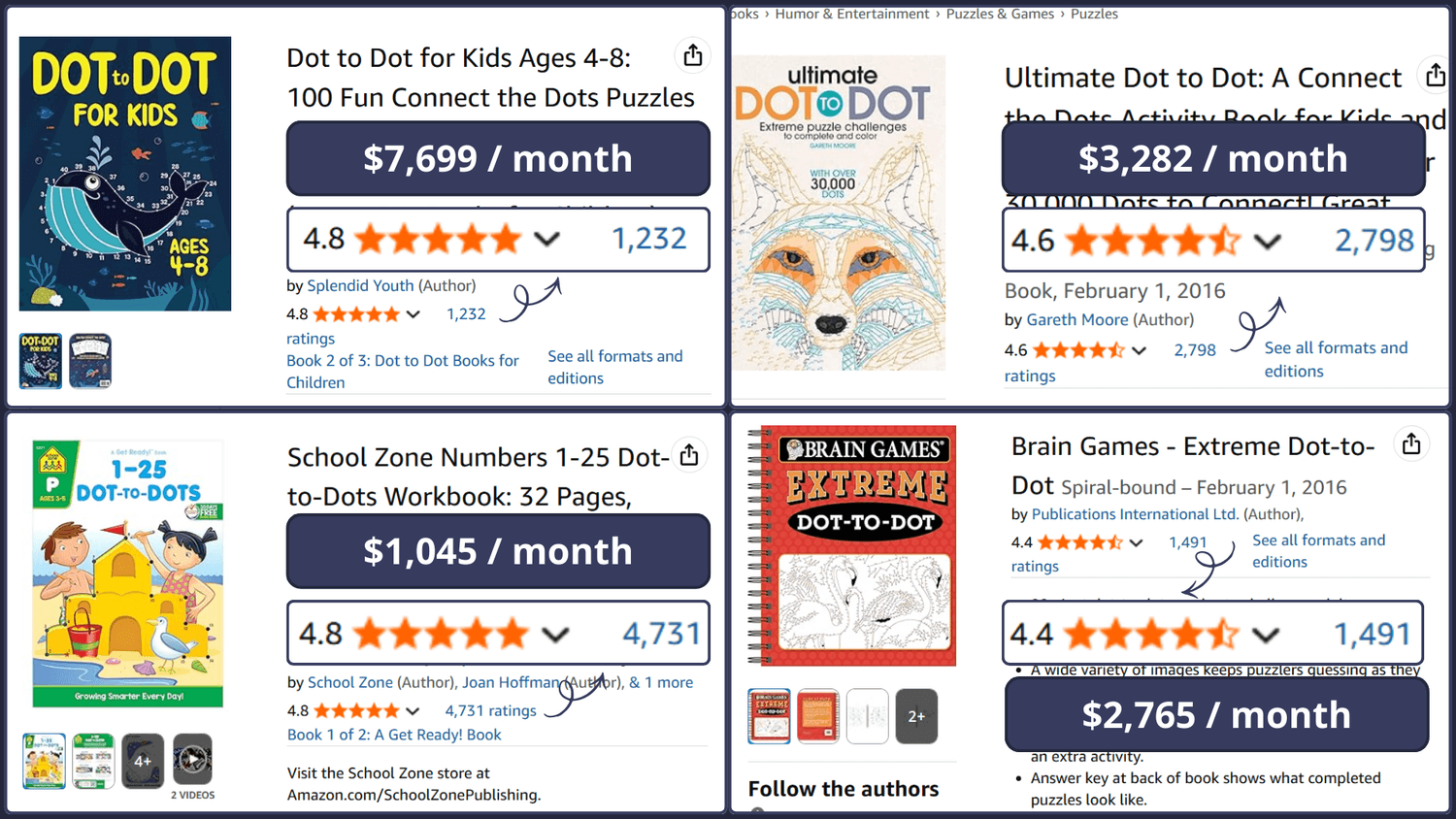
People Are Still Looking for a Better Way to Make Dot-to-Dot Books
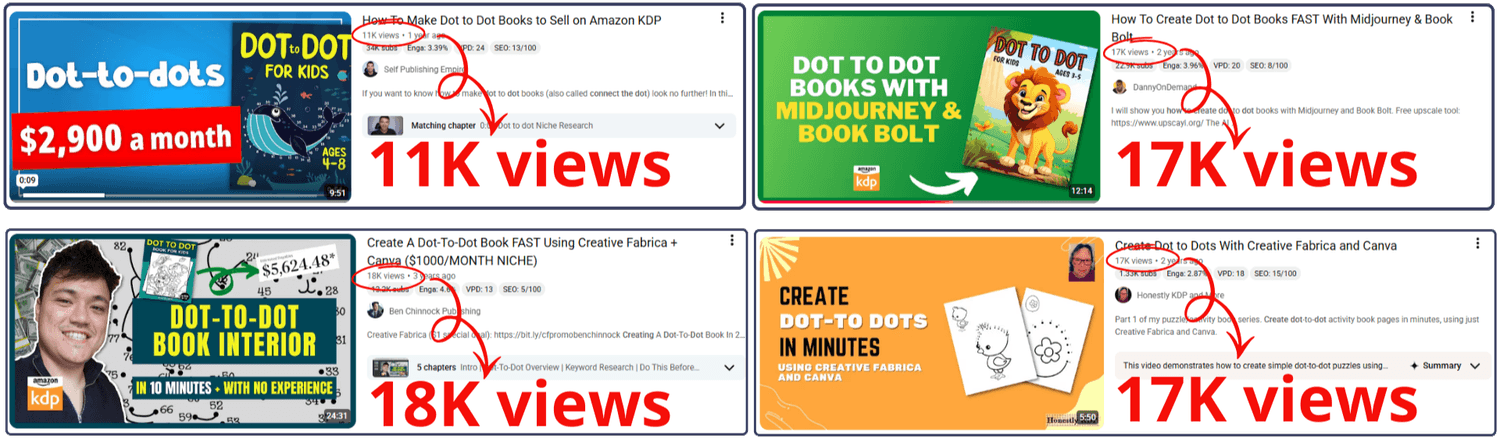
When I searched YouTube for how to create dot-to-dot pages, I found multiple videos with tens of thousands of views.
That’s a clear sign that people aren’t just curious, they’re actively searching for ways to make these books.
This kind of interest shows there’s a real audience, a real demand, and a constant stream of creators who want to turn dot-to-dot pages into products they can publish and sell.
Let Me Ask You A Question...Can We Really Make Dot-to-dot Pages With AI?
I’ve tested many of the most popular AI tools to see if they could create a complete dot-to-dot picture, including ChatGPT, Midjourney, Ideogram, and even Google’s latest model, Banana.
However, the results fell short of expectations.
Most AI image models today are trained to generate full photos and rich illustrations, not to follow the strict visual logic that dot-to-dot pages require.
In a dot-to-dot, every dot, number, and label has to follow clear, predictable rules.
That’s why these models often struggle to keep dot placement consistent, numbering in the correct order, and the alignment of text and numbers clean, especially when a single page contains dozens or even hundreds of dots.

Even on YouTube, there are almost no tutorials showing how to generate real dot-to-dot pages with AI from a-z. The process of generating accurate dot-to-dot drawings using AI hasn’t been figured out yet.
As a result, creators who want to produce this kind of activity page still rely on professional design software like Canva, Photoshop or Illustrator
Even With Powerful Design Tools, Dot-to-dot Pages Are Still Slow And Tiring To Create
To Complete a Full Dot-to-Dot Book, You Have to Go Through Several Steps
Step 1: Choose an Outline Image
Start by selecting a simple outline drawing. You can sketch it yourself using design tools or generate an outline image with AI tools like Midjourney or Leonardo AI.
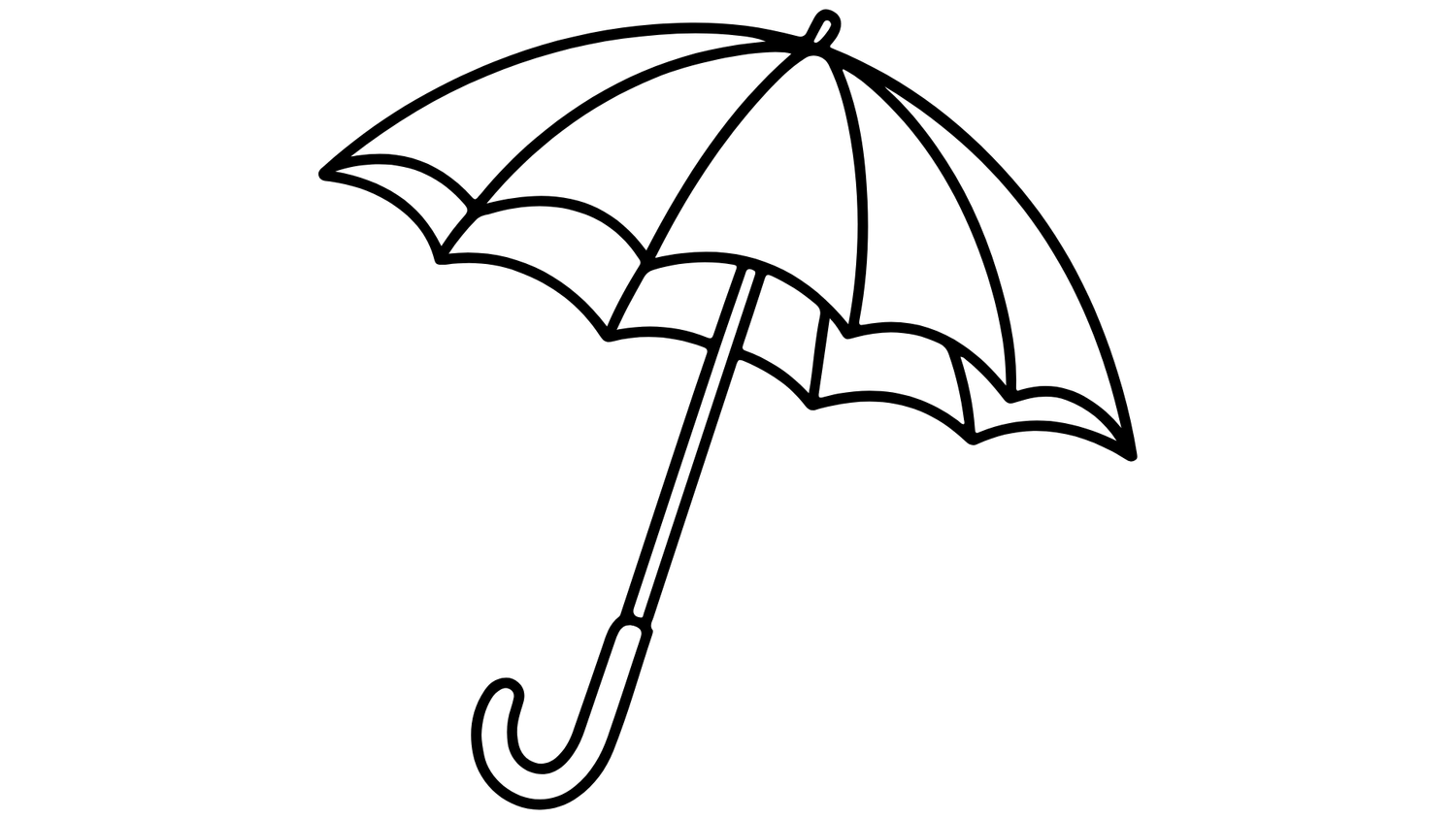
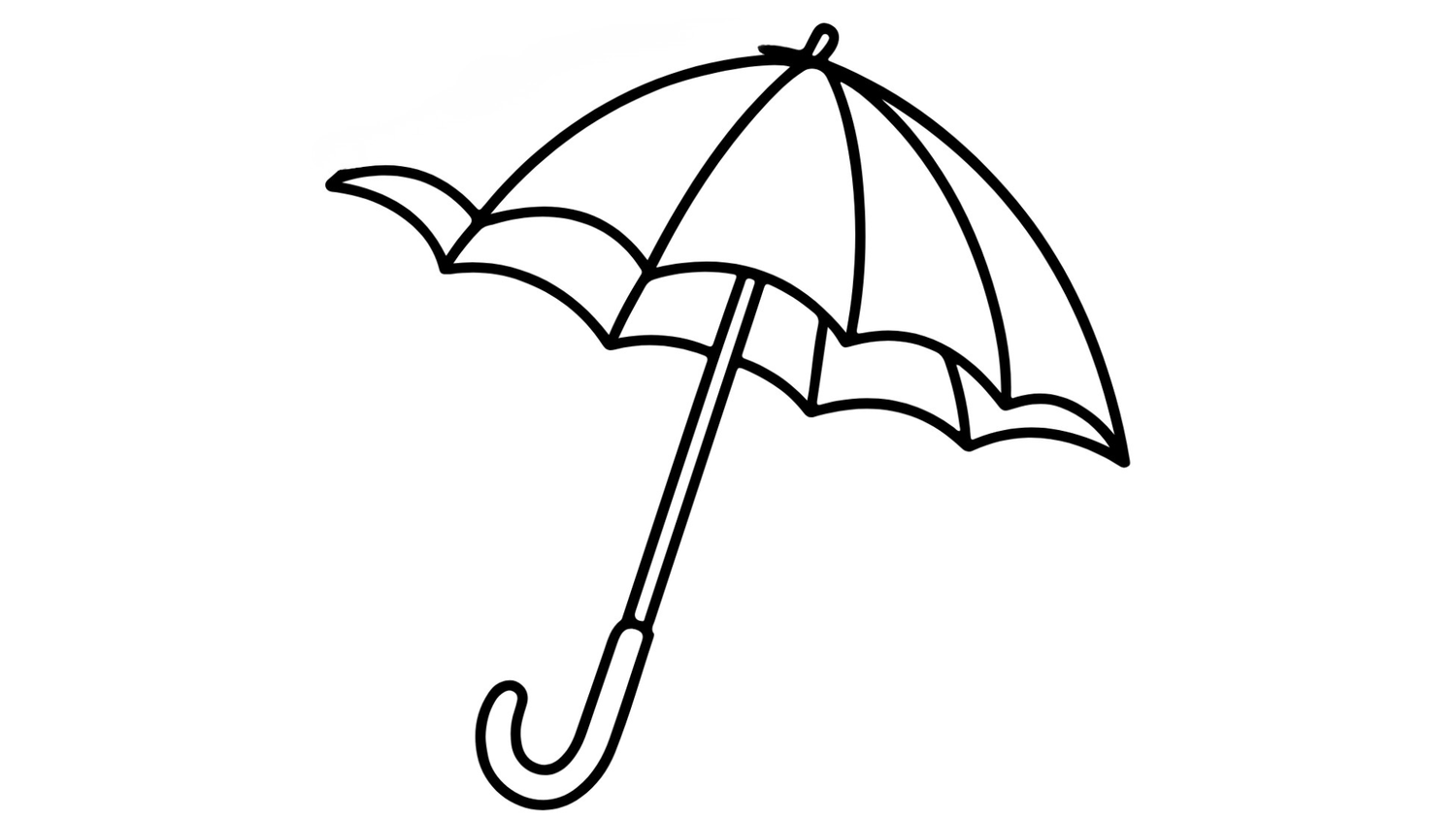
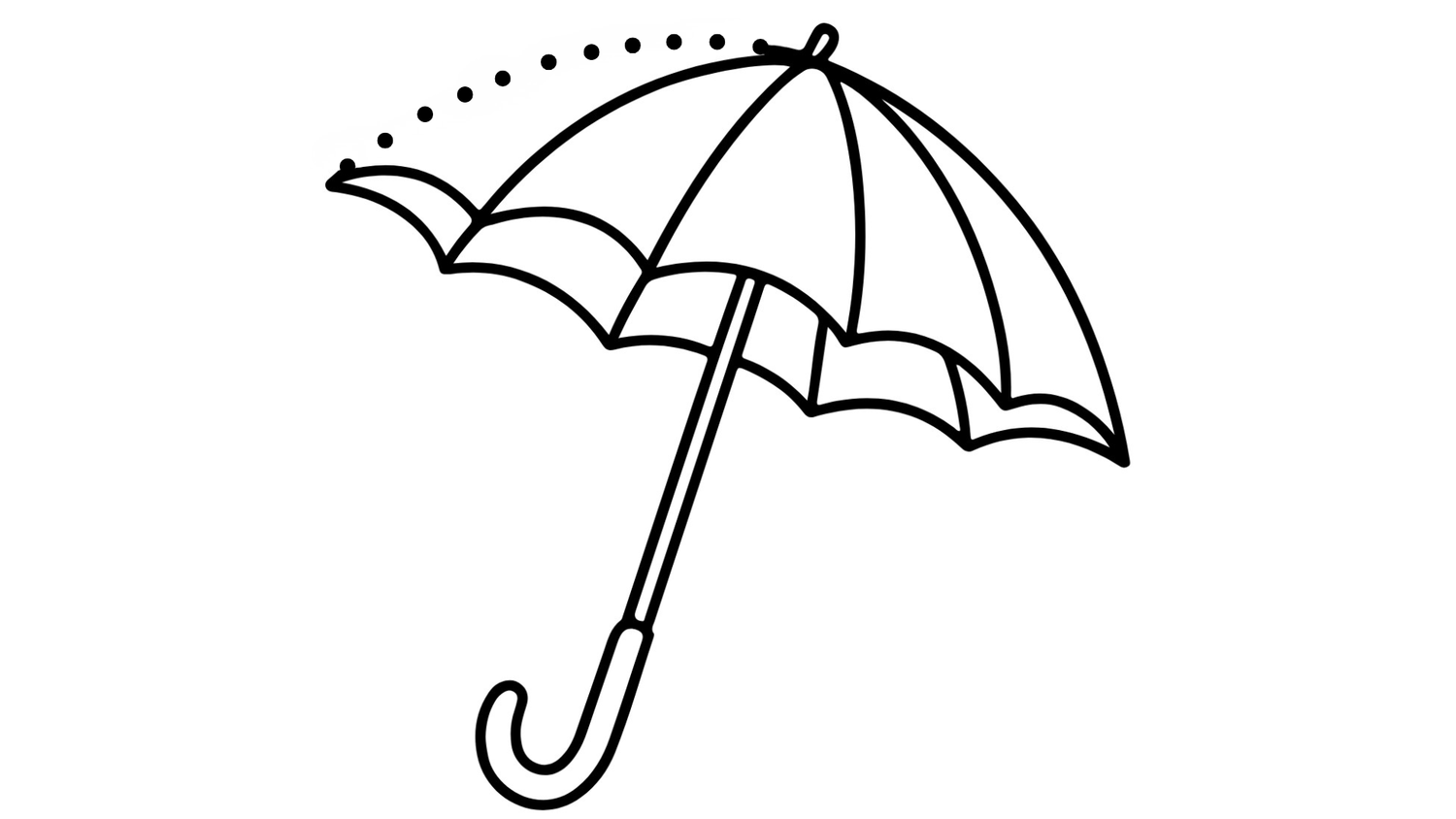
Step 2: Remove the Lines You Want to Replace with Dots
Use tools such as Canva or Photoshop to erase the outline sections where you plan to place dots and numbers.
Step 3: Add the Dots
Along the erased outline, place small circles that follow the contour in a smooth, consistent way. Use more dots for complex shapes and fewer for simpler ones.
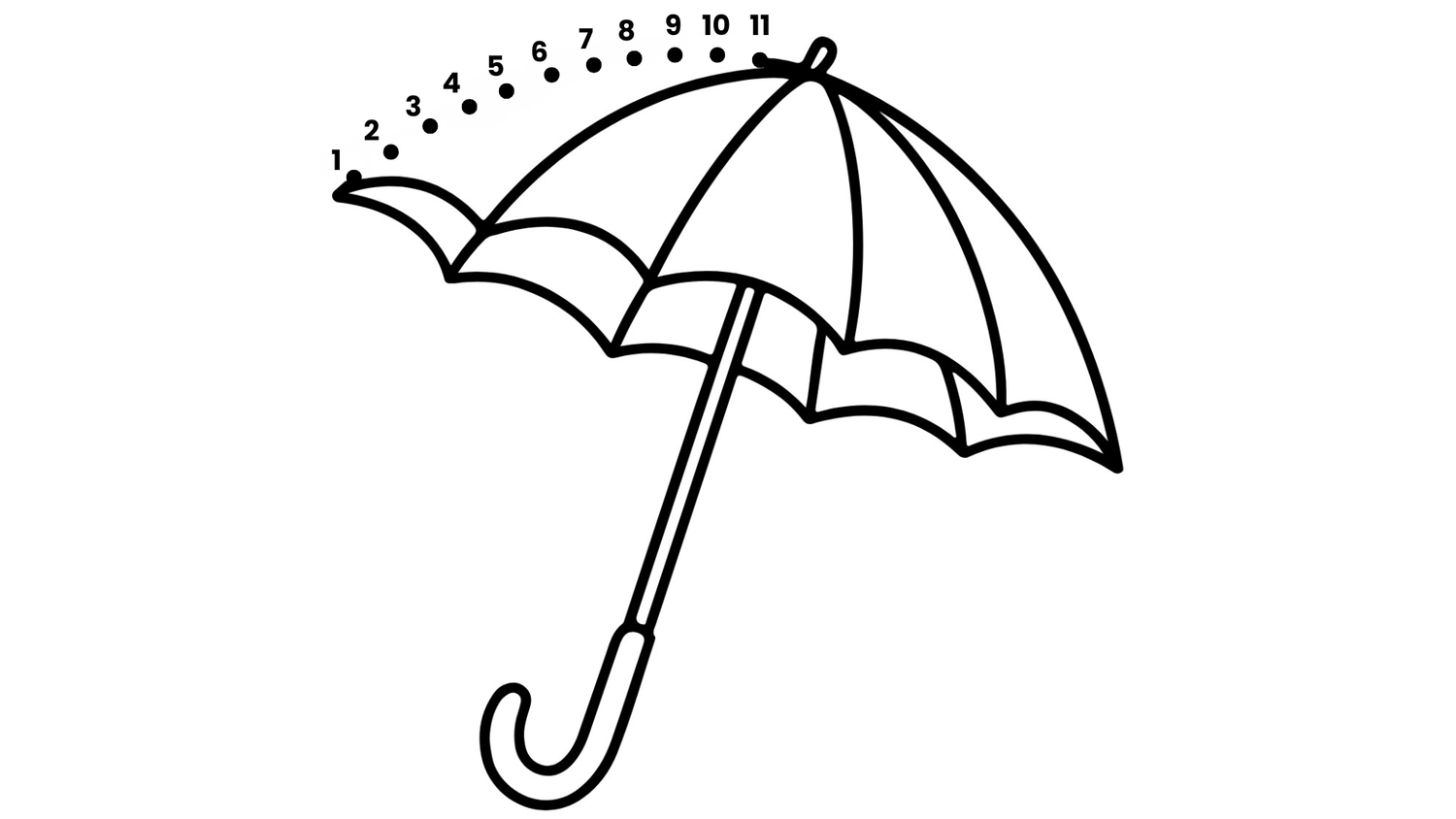
Step 4: Number the Dots
Add numbers using the Text tool, following the direction you want users to connect the lines.
Step 5: Export and Publish
When your dot-to-dot drawing is ready, keep only the dots, numbers, and the remaining outline. Export your page as a high-quality PDF or PNG.
Repeat the entire process for each page until you have enough designs to complete a full book.
You Can Create Dot-to-Dot Pages Using The Steps Above.…
But Here Are a Few Challenges You Might Face Along the Way
Problem 1: You Need Design Skills
To make clean dot-to-dot pages, you have to know how to use tools like Canva, Photoshop, or Illustrator.
And even with those tools, it’s still difficult to control spacing, layout, and numbering with real precision.

Problem 2: It Takes a Lot of Time
Each page requires placing every dot manually, numbering them one by one, and removing extra outlines. Finishing just a few pages can take hours of editing.
Problem 3: High Outsourcing Costs
Hiring freelancers to do part of the process can help, but it quickly becomes expensive, especially if you plan to create multiple books.

Problem 4: Hard to Produce Multiple Books
Repeating the same detailed process for every single page makes it extremely hard to create multiple books.
Producing multiple books using this manual workflow is almost impossible to do.
Problem 5: File Formatting Issues
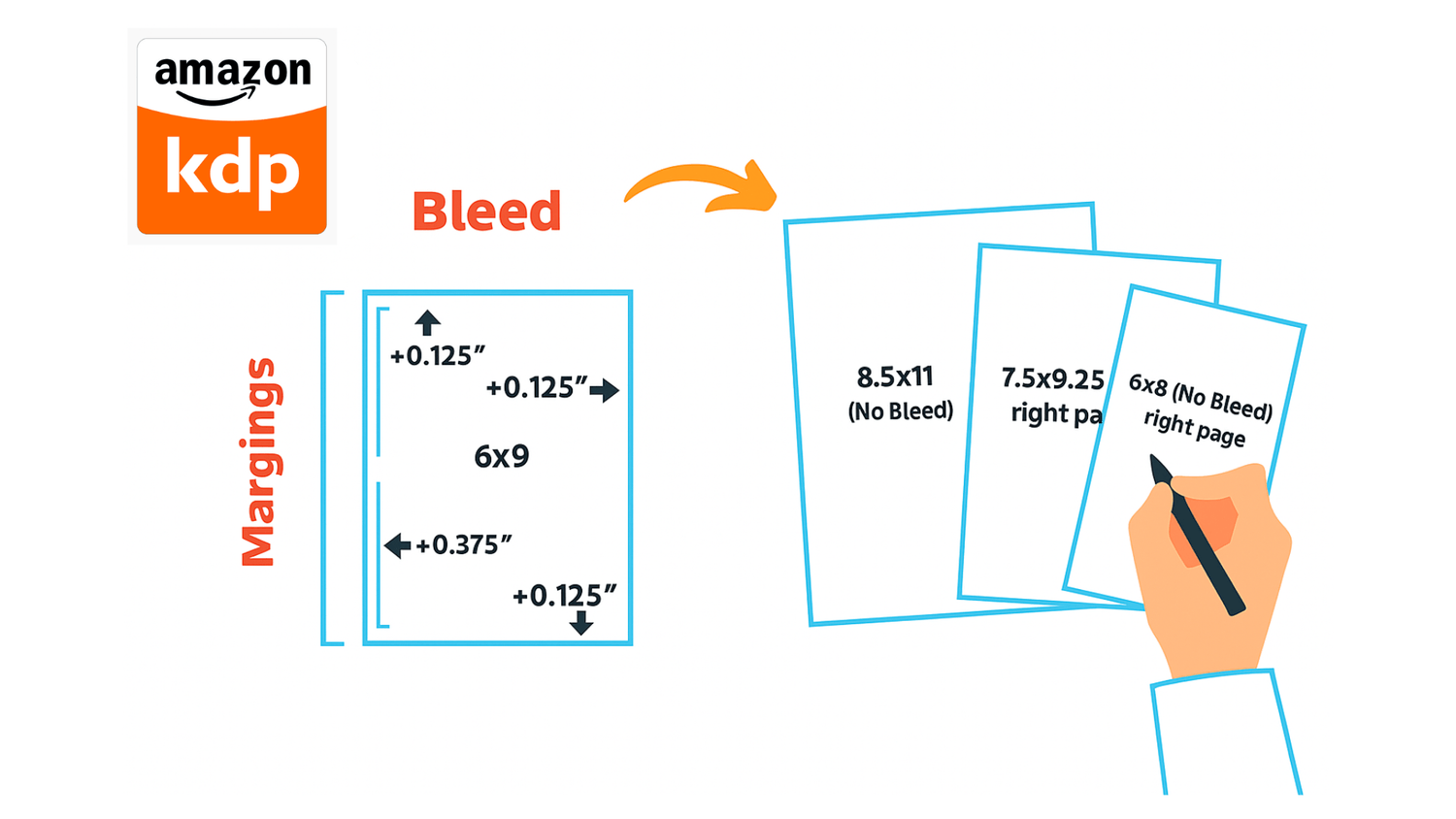
Exporting files in the correct format for Amazon KDP can be tricky.
Margins, bleed, and DPI settings must all be right, otherwise the final print quality won’t meet publishing standards.
And That’s Why We Created Dot2Dot Maker
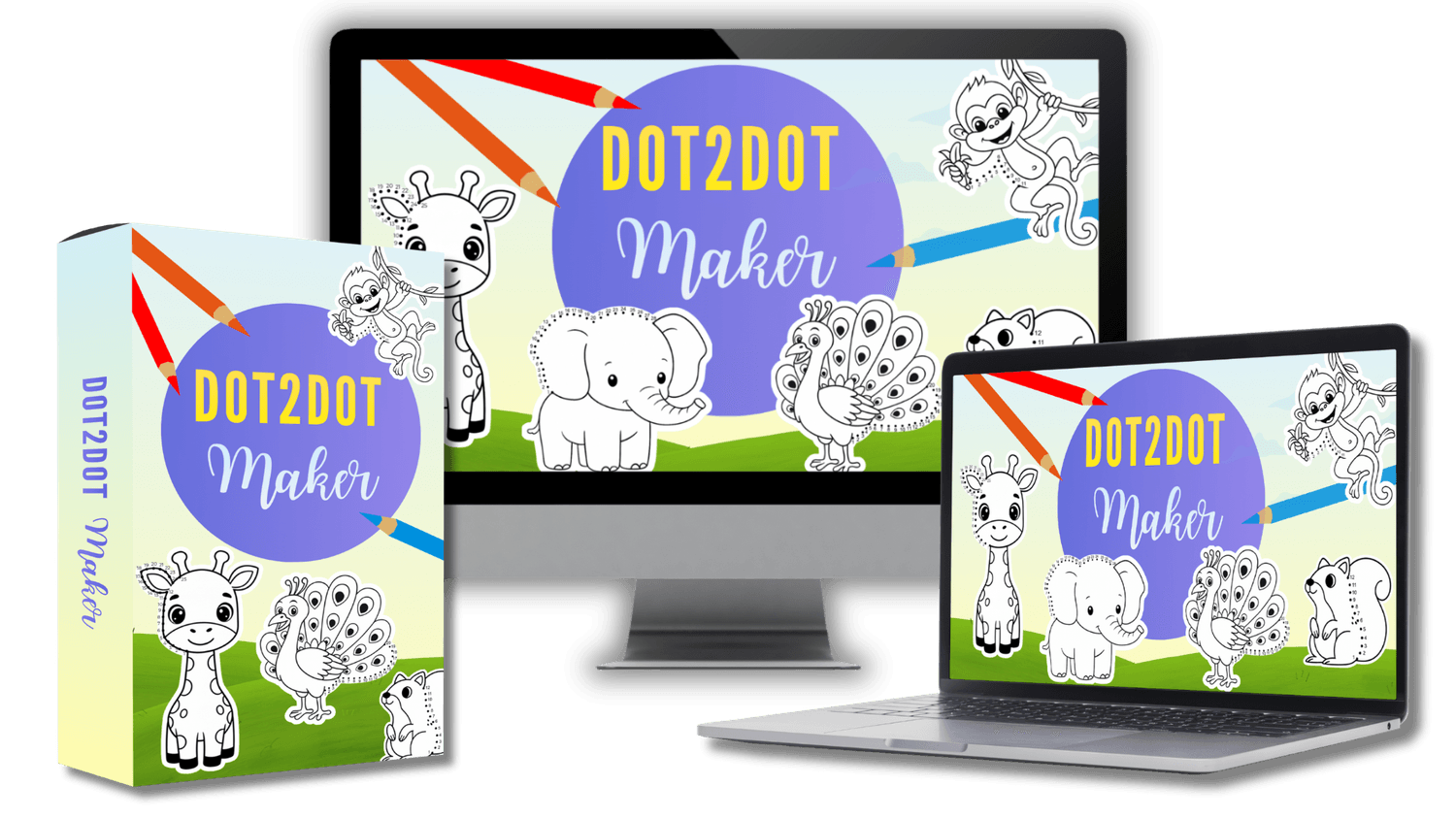
An All-in-One Dot-to-Dot Tool That Makes Page Creation Simpler and More Flexible
With this tool, we don’t replace you in creating complete dot-to-dot pages, we’ll help make the process easier and overcome the challenges mentioned above
Create Dot-to-Dot Pages Easily with All the Tools Built In
Create Dot-to-Dot Pages Without Complicated Steps

Use AI to Generate Clear, Ready-to-Use Outlines
Upload Unlimited Outline Images
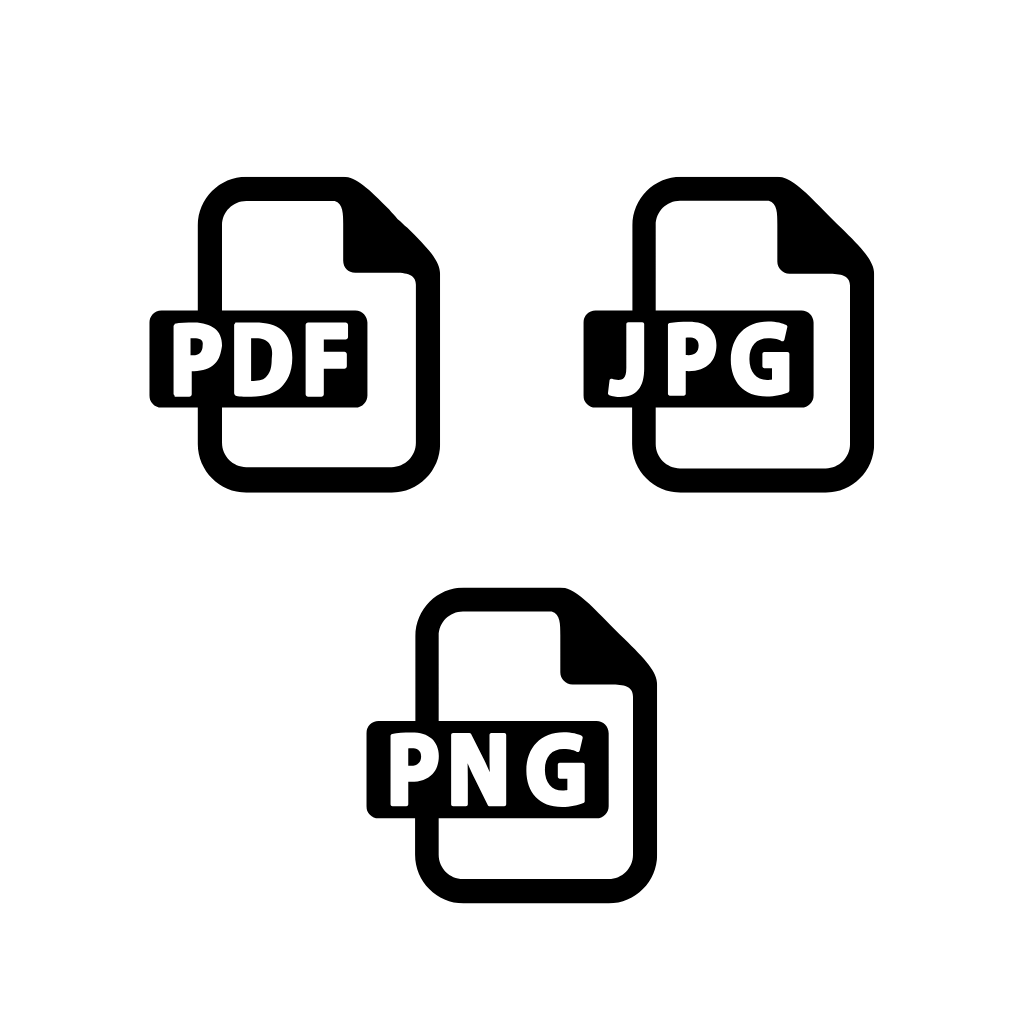
Build Complete, Publish-Ready Books
Work in the Cloud, No Installation Needed

Intuitive, Easy-to-Use Interface

Full Freedom to Publish and Sell
30-Day Money-Back Guarantee

What Makes Dot2Dot Maker Different
It’s the Built-In WYSIWYG (What You See Is What You Get) Editor
This editor gives you full visual control, allowing you to create and adjust your dot-to-dot pages exactly the way you want them
The WYSIWYG editor shows your page exactly as it will look when exported, so you’re not guessing how dots, lines, and spacing will turn out later.
You don’t have to constantly export, open a PDF, and come back to fix things. Every adjustment happens live on the canvas before you download.
Instead of dealing with grids, coordinates, or complex settings, you simply arrange everything visually, like moving pieces on a table.
You see margins, positions, and composition in real time, so you know your dot-to-dot page will look right inside a book, not just “somewhere” on a blank page.
Want more dots in one area, or a cleaner open space in another? You see the impact of every change immediately, so it’s easy to adjust density and balance.
A straightforward, visual editor that beginners can learn in minutes, while still giving experienced creators, teachers, publishers the flexibility to fine-tune every page.
How to Create a Dot-to-Dot Page in Just Simple Steps With Dot2Dot Maker
Step 1: Upload or Generate an Image with AI
You can start by uploading any outline image you want to turn into a dot-to-dot page.
Or use the built-in AI image generator inside Dot2Dot Maker to create images.
Step 2: Add the Dots
There’s no need to draw or number each dot manually.
Just switch to Add Dot mode, then click anywhere along the outline where you want a dot to appear, the system will automatically number each dot in order.
You can also adjust the size of the dots, as well as the font and number size, to fit your design style.
Step 3: Erase the Lines Where Dots Have Been Placed
Once you’ve placed your dots, switch to Erase Mode to remove the outline lines beneath them.
The system only deletes the parts of the outline that overlap with the dots, while keeping all dots and numbers intact so the overall shape remains clear and natural.
Step 4: Final Adjustments & Styling
You can add text, shapes, or extra styling to your page to make your dot-to-dot design more unique, polished, and visually appealing.
These final touches help your pages stand out and better match your brand or book style.
Step 5: Download Your Page
When everything looks complete, download your finished page in your preferred format.
You can export it as a high-quality JPG or PNG, or as a 300 DPI PDF ready for publishing on Amazon KDP.
No Need to Spend Days or Weeks Creating a Single Dot-to-Dot Book
From Outline to Dot-to-dot Page - All Done in One Tool
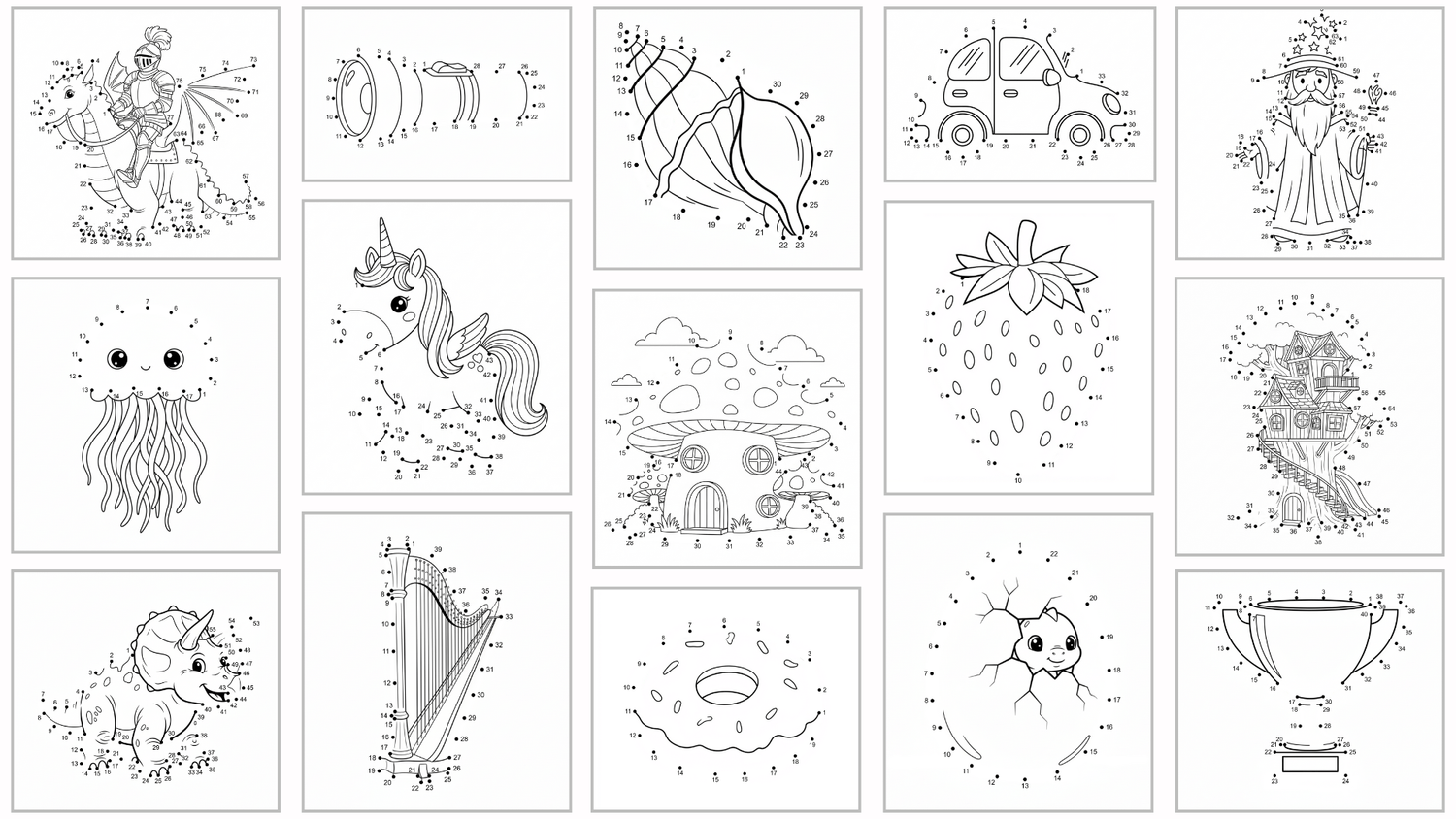
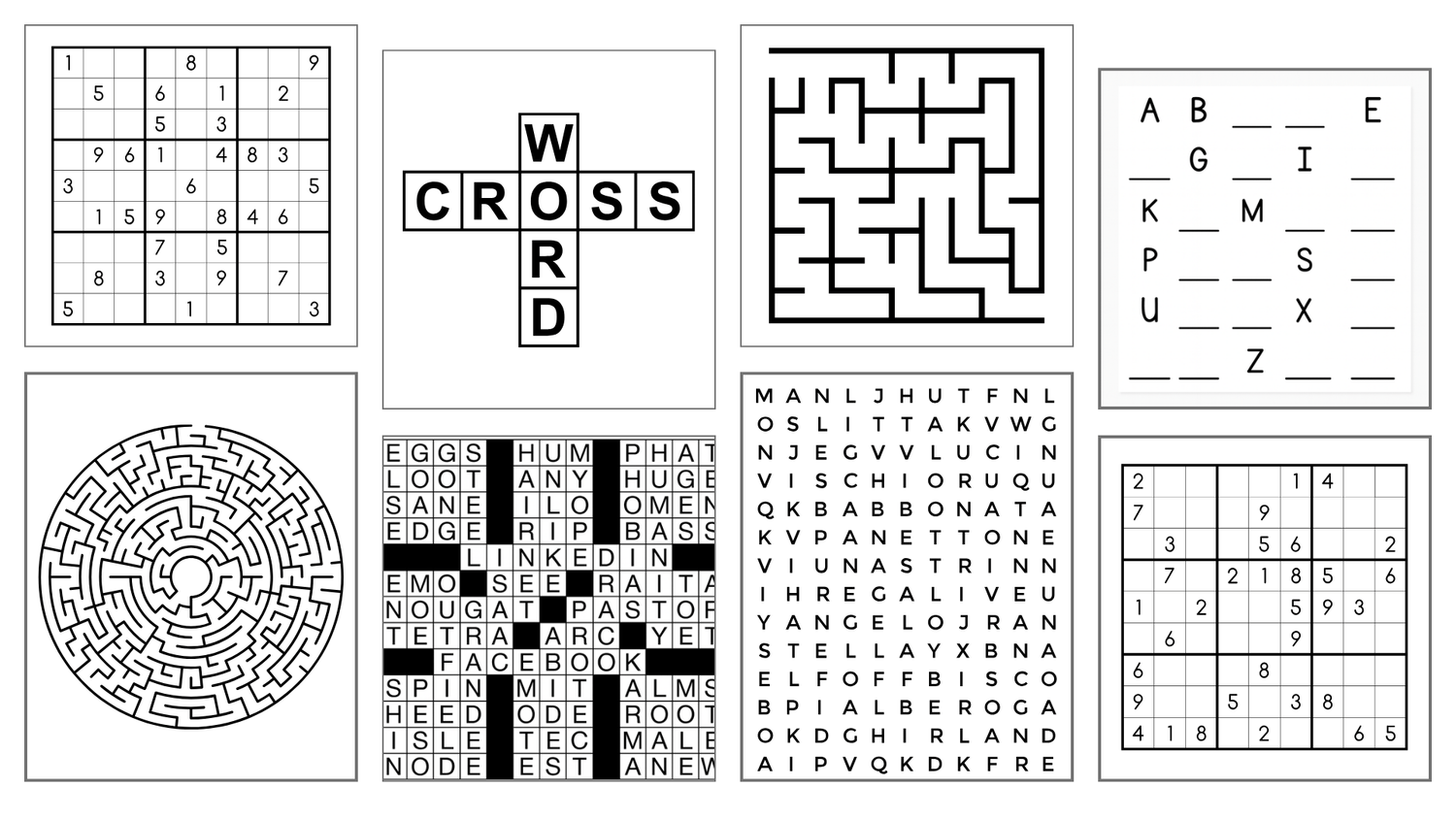
From the very beginning, my goal with Dot2Dot Maker was simple: build a complete, all-in-one tool so you can create an entire dot-to-dot book without ever leaving the app.
No jumping between different design tools, no exporting and re-importing at every stage, just one focused workspace that takes you from outline to finished page as smoothly as possible.
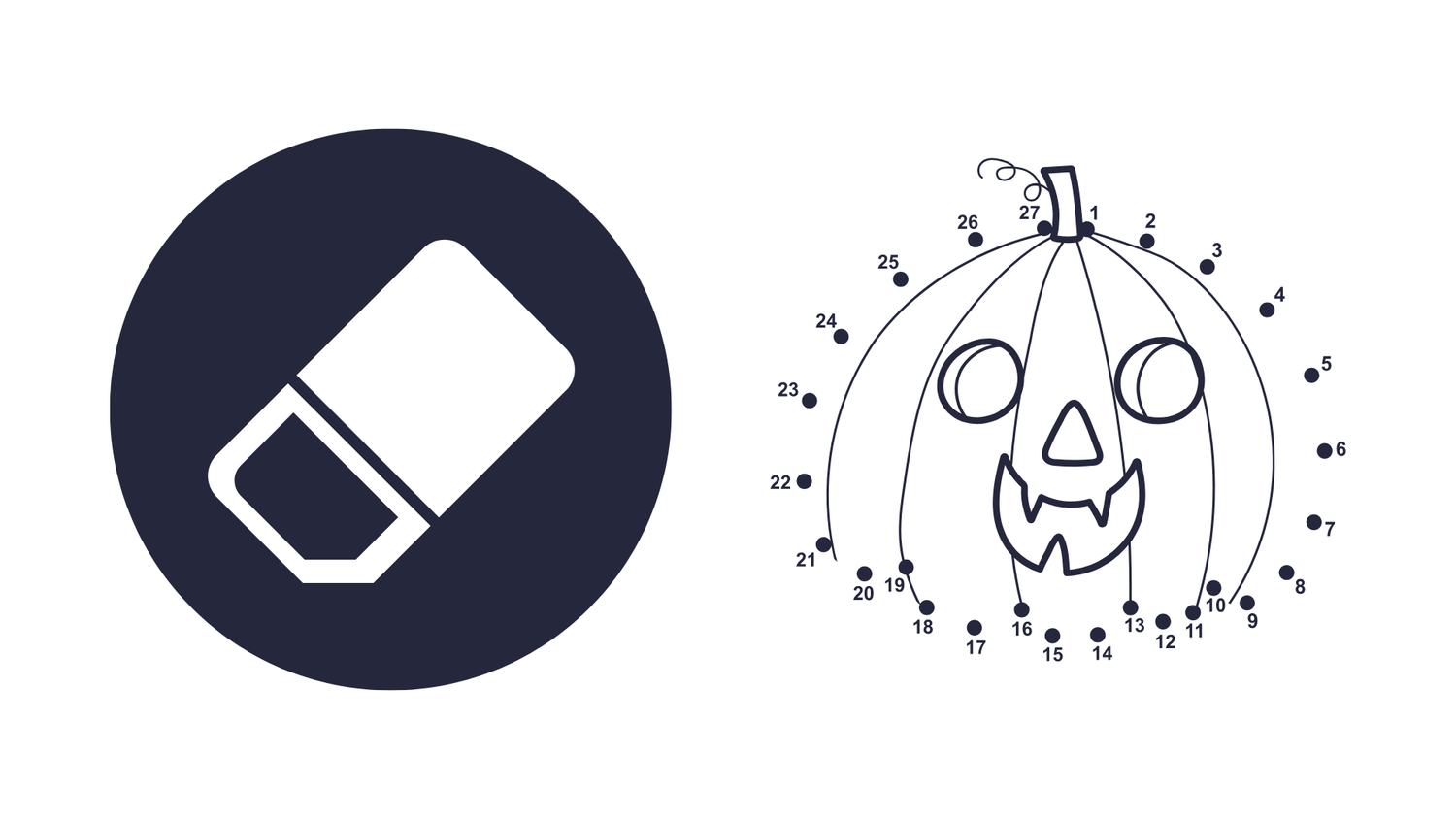
At the heart of that workflow are two powerful tools: Add Dot Mode and Erase Mode.
Add Dot Mode lets you place dots exactly where you want them along the outline, with full control over spacing, size, and numbering.
Erase Mode then helps you cleanly remove the underlying lines so your final page looks like a true, professional dot-to-dot illustration.
To make the process even easier, you can zoom in and out as you work, so you’re always close enough to fine-tune tricky areas.
And with a built-in multi-page canvas system, you can create, manage, and edit multiple pages in the same project, building out an entire book directly inside the app.
On top of that, Dot2Dot Maker includes a range of small but useful helpers, all designed to make your dot-to-dot creation process faster, smoother, and much more enjoyable.
Key Features Overview of Dot2Dot Maker


You’ll Get Exclusive Bonuses When You Join Dot2Dot Maker
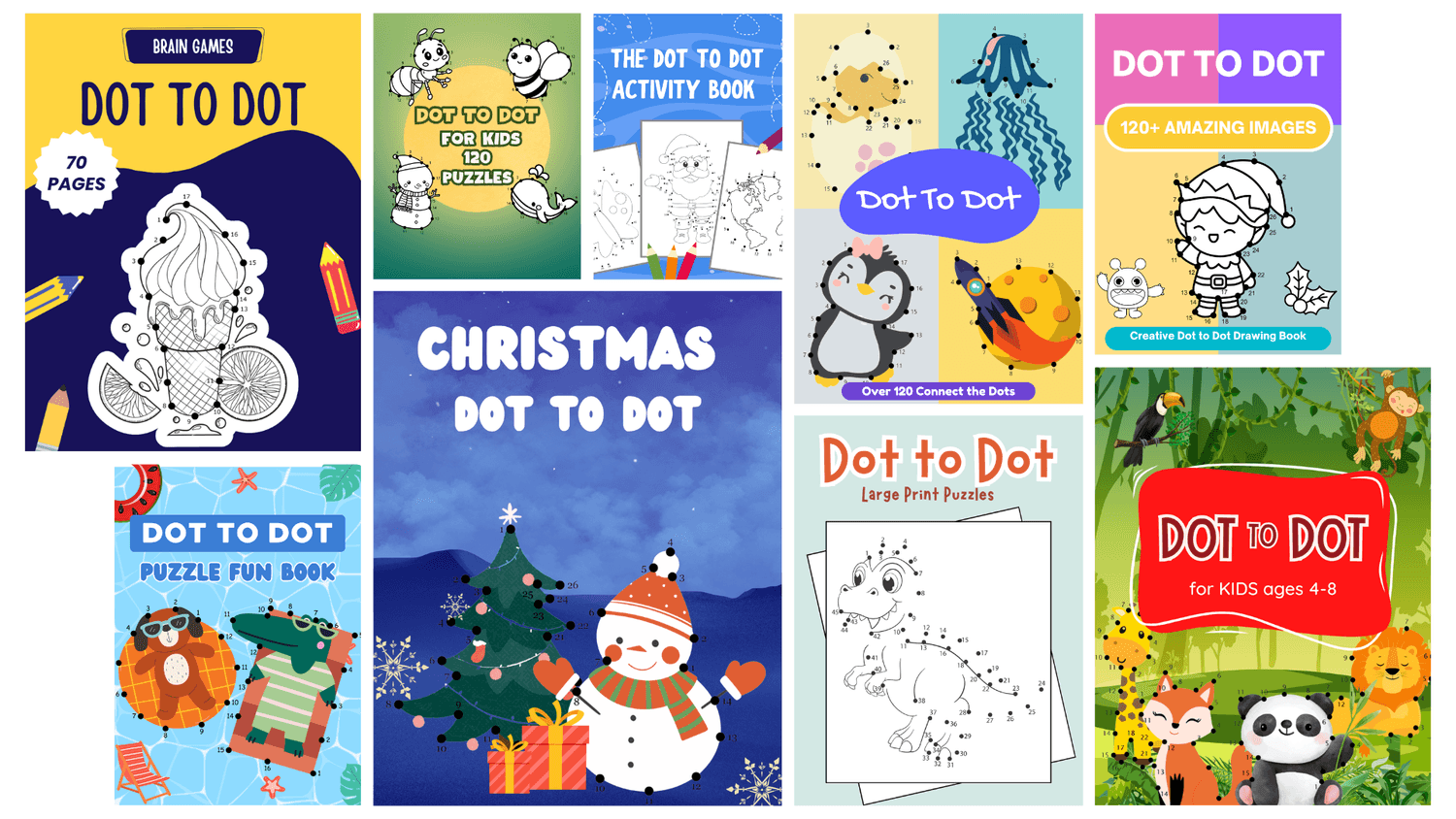
Bonus 1: 20 Editable Dot-to-Dot Book Covers
Get a collection of 20 professionally designed book covers to help you publish faster. Each cover is fully editable in Canva, so you can easily change the title, colors, or layout to match your own brand and style.
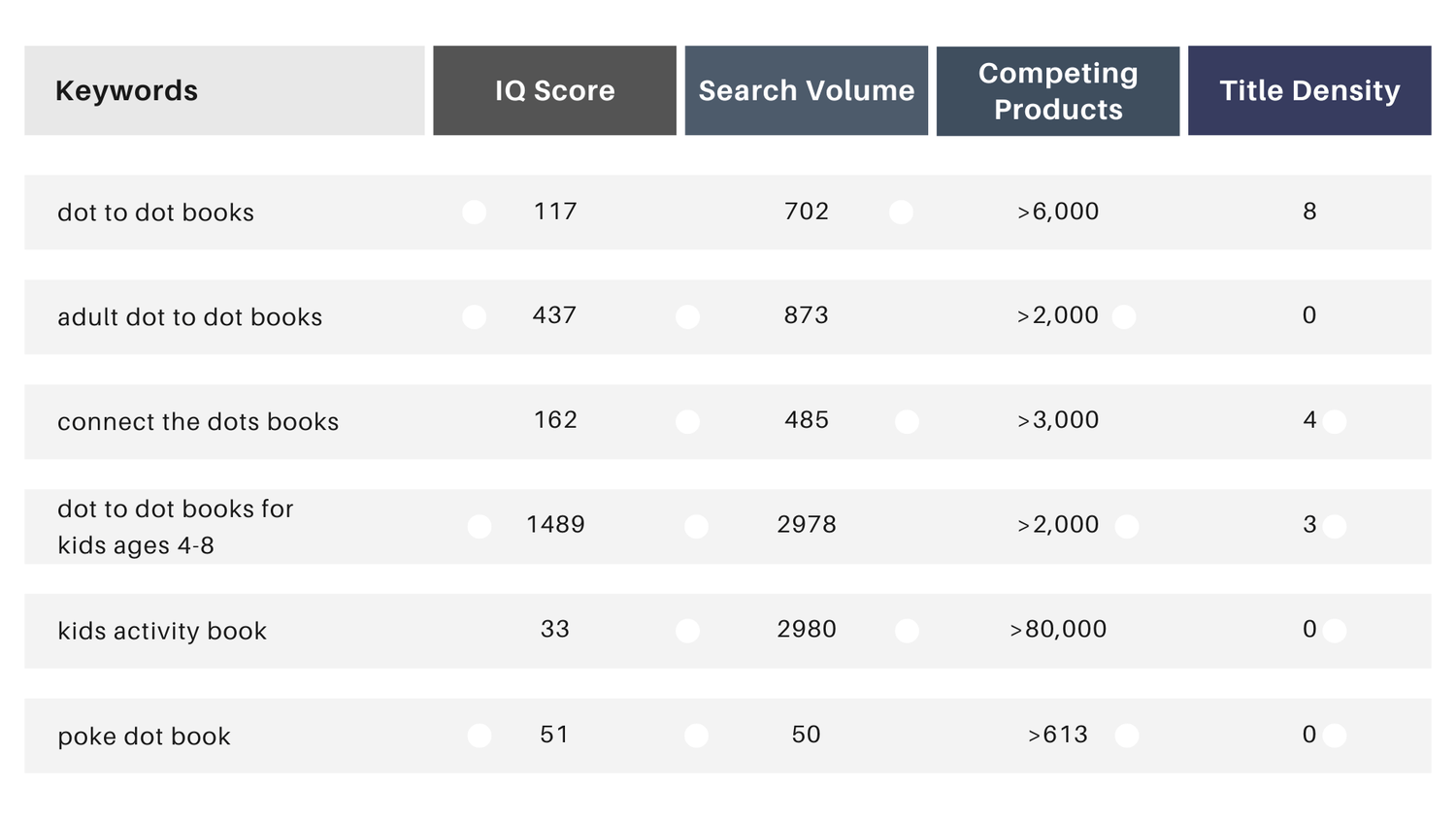
Bonus 2: 118 Dot-to-Dot Keywords
Receive a curated list of 118 high-quality keywords from the “Dot-to-Dot” niche. This data helps you understand what customers are searching for on Amazon so you can plan your book titles, descriptions, categories more effectively.
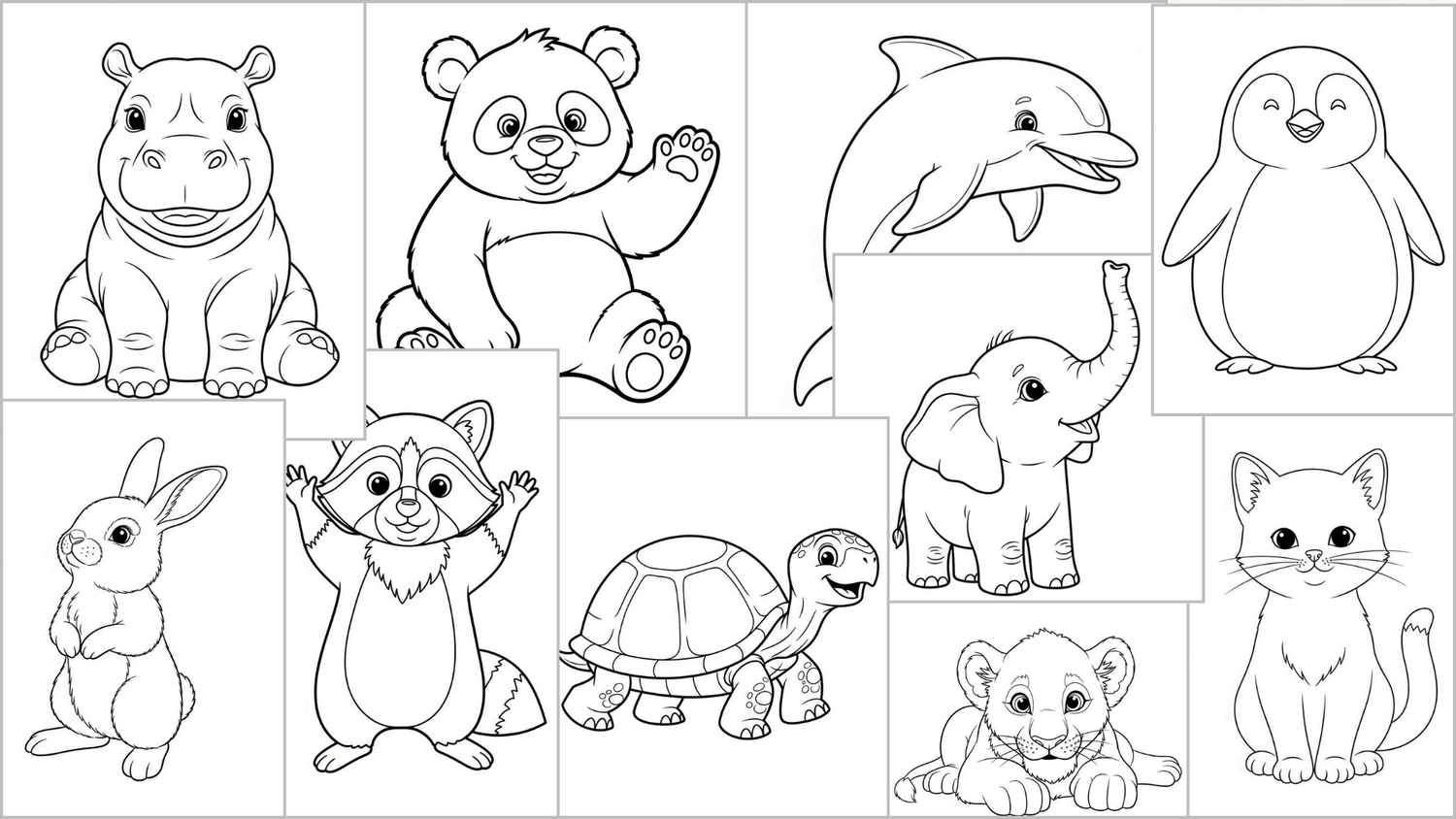
Bonus 3: Animal Outlines for Dot-to-Dot Pages
You’ll get 30 ready-to-use animal outlines, perfect for your dot-to-dot projects. Each one is simple, clean, and ideal for adding dots and numbers, so you can start creating pages right away instead of wasting time hunting for suitable images.
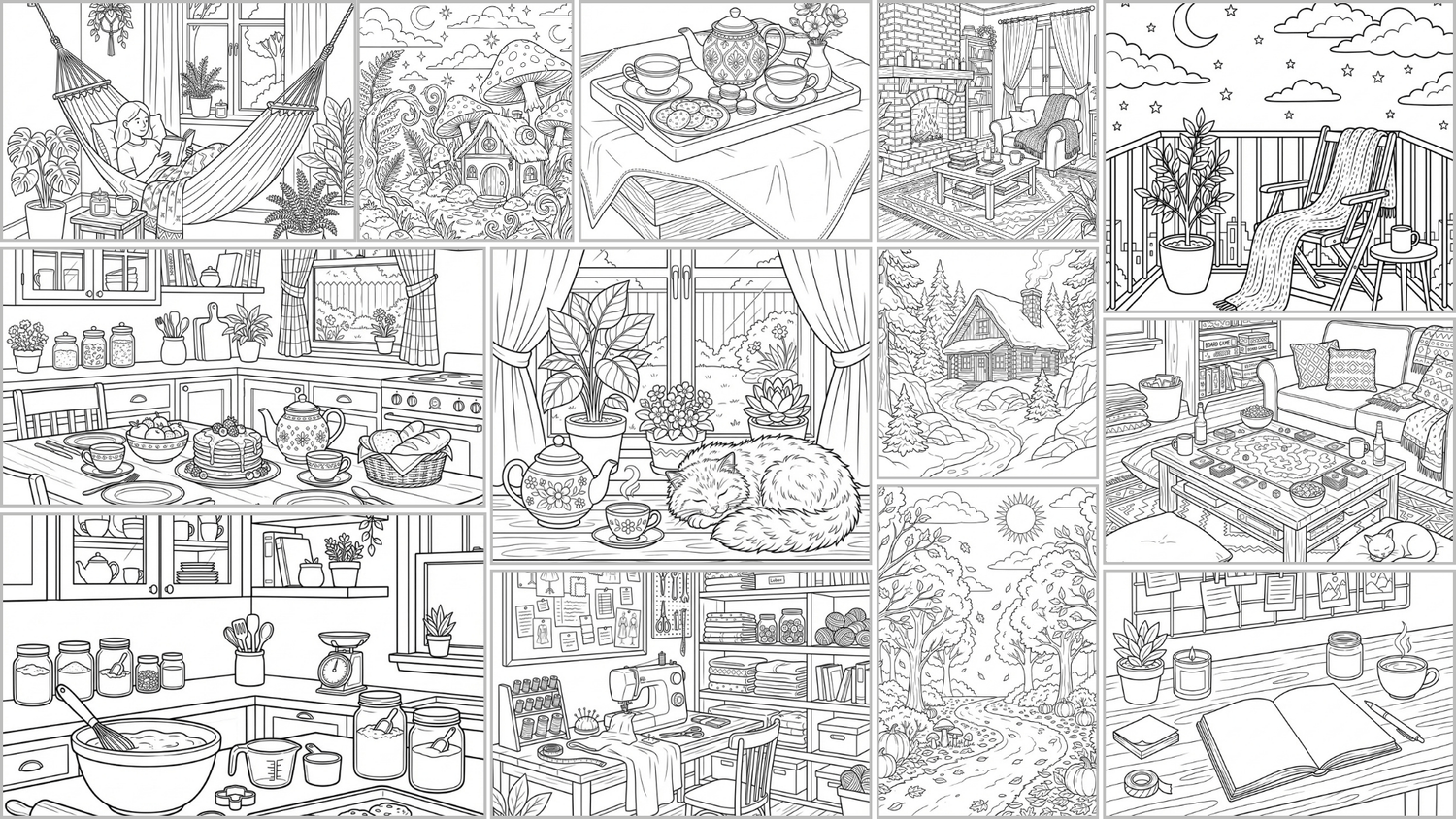
Bonus 4: 30 Cozy Coloring Pages
Get 30 cozy, ready-to-use coloring pages with simple, relaxing designs. Perfect to mix into your activity books, seasonal bundles, or printables without creating artwork from scratch.
Dot2Dot Maker Comes With Our Iron-Clad 30-Day Money-Back Guarantee
Dot2Dot Maker was created with one clear goal in mind: to make the process of creating dot-to-dot pages simpler, faster, and more accessible for every creator. The tool is designed to help you save hours of manual work and reduce production costs.
We stand by the quality of what we’ve built. If for any reason Dot2Dot Maker does not meet your expectations, you can request a full refund within 30 days of purchase, no questions asked.
Your purchase is completely risk-free, and your satisfaction will always be our top priority.

Frequently Asked Questions
Q: Can I generate outline images with AI inside Dot2Dot Maker?
A: Yes, you can - but not with the Basic plan on this sales page. The AI outline generator is available only in the upgraded plan. You’ll be able to unlock it either through the upsell after purchase or by clicking the upgrade button inside the app.
Q: Can I upload my own outline images?
A: Yes, you can. There’s no limit on how many outlines you upload, no monthly fees and no credits required.
Q: Are the pages compatible with Amazon KDP?
A: Yes, Dot2Dot Maker supports standard KDP page sizes. You can create and download print-ready pages that meet KDP’s publishing requirements. With the Basic plan on this page, you’ll have access to a selected set of popular sizes. To unlock the full range of KDP sizes, you’ll need to upgrade to a higher plan.
Q: Is this an online tool or software I need to install?
A: Dot2Dot Maker is a web-based app. You can access it from your browser without any installation, and your projects are saved securely online.
Q: Is there a refund guarantee for this purchase?
A: Yes! We offer a 30-day money-back guarantee. If for any reason you’re not fully satisfied, just contact us within 30 days and we’ll issue a full refund, no questions asked.
Q: Do I need design skills to use Dot2Dot Maker?
A: No, the tool is designed for everyone, even if you have never used design software before. The interface is simple and visual, allowing you to create and edit pages easily.

David Tr
I’m a developer and digital product creator, and I know that in today’s fast-paced world, time is your most valuable resource. Creating high-quality products can be slow, overwhelming, and sometimes feels impossible. That’s why I focus on building simple, powerful tools that help you create more in less time, so you can spend your energy on publishing, marketing, and actually growing your business.
Income Disclaimer:
This website and the items it distributes contain business strategies, marketing methods and other business advice that, regardless of my/our own results and experience, may not produce the same results (or any results) for you.
We make absolutely no guarantee, expressed or implied, that by following the advice or content available from this web site you will make any money or improve current profits, as there are many factors and variables beyond our control which may impact any given business.
Primarily, results will depend on the nature of the product or business model, the conditions of the marketplace, the experience of the individual, and situations and elements that are beyond your control.
As with any business endeavour, you assume all risk related to investment and money based on your own discretion and at your own potential expense.
Liability Disclaimer:
By reading this website or the documents it offers, you assume all risks associated with using the advice given, with a full understanding that you, solely, are responsible for anything that may occur as a result of putting this information into action in any way, and regardless of your interpretation of the advice.
You further agree that our company cannot be held responsible in any way for the success or failure of your business as a result of the information provided by our company.
It is your responsibility to conduct your own due diligence regarding the safe and successful operation of your business if you intend to apply any of our information in any way to your business operations.
In summary, you understand that we make absolutely no guarantees regarding income as a result of applying this information, as well as the fact that you are solely responsible for the results of any action taken on your part as a result of any given information.
In addition, for all intents and purposes you agree that our content is to be considered "for entertainment purposes only".
Always seek the advice of a professional when making financial, tax or business decisions.
AI Content Disclosure:
ScissorKidz AI uses generative models to create original outputs from your prompts. You are responsible for reviewing and complying with marketplace guidelines (e.g., KDP content rules, trademark checks).